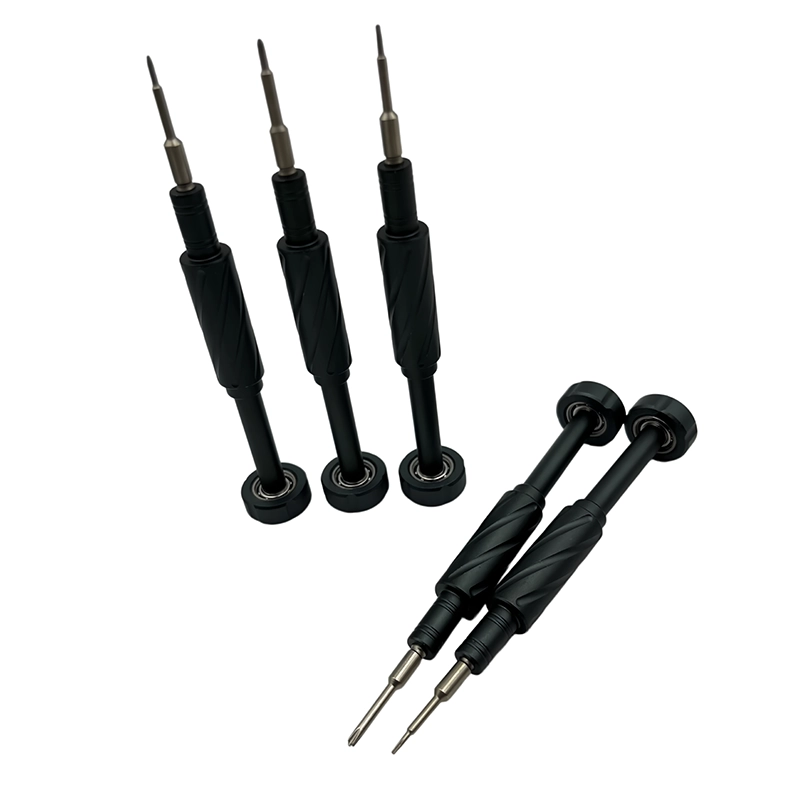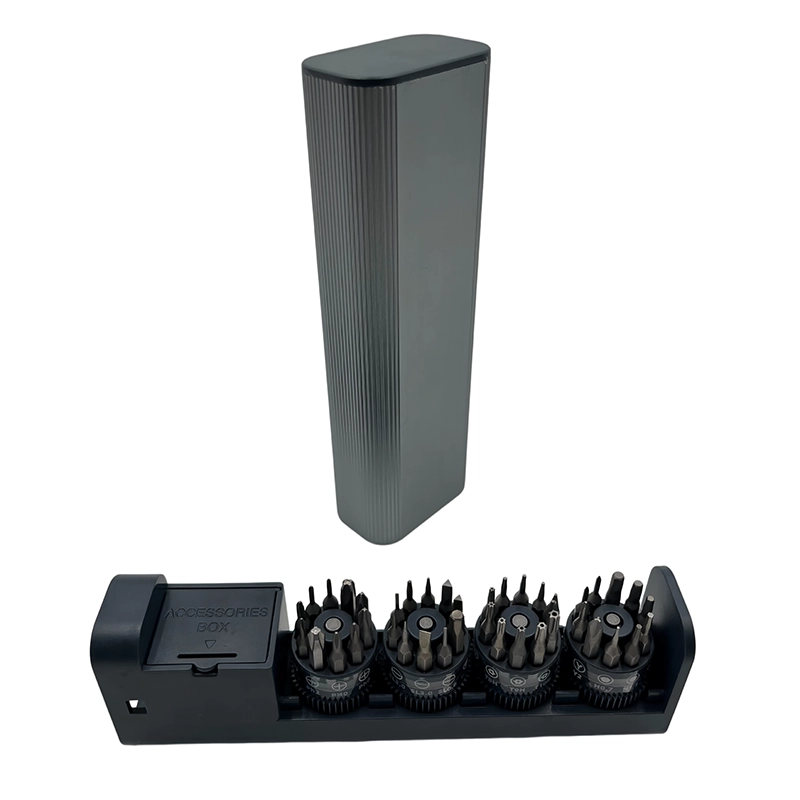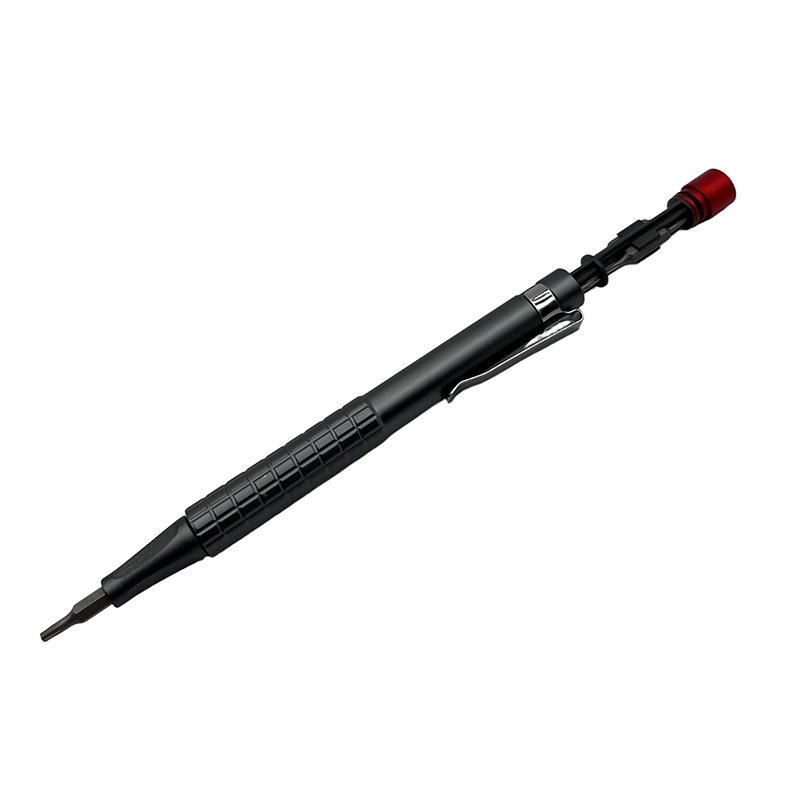
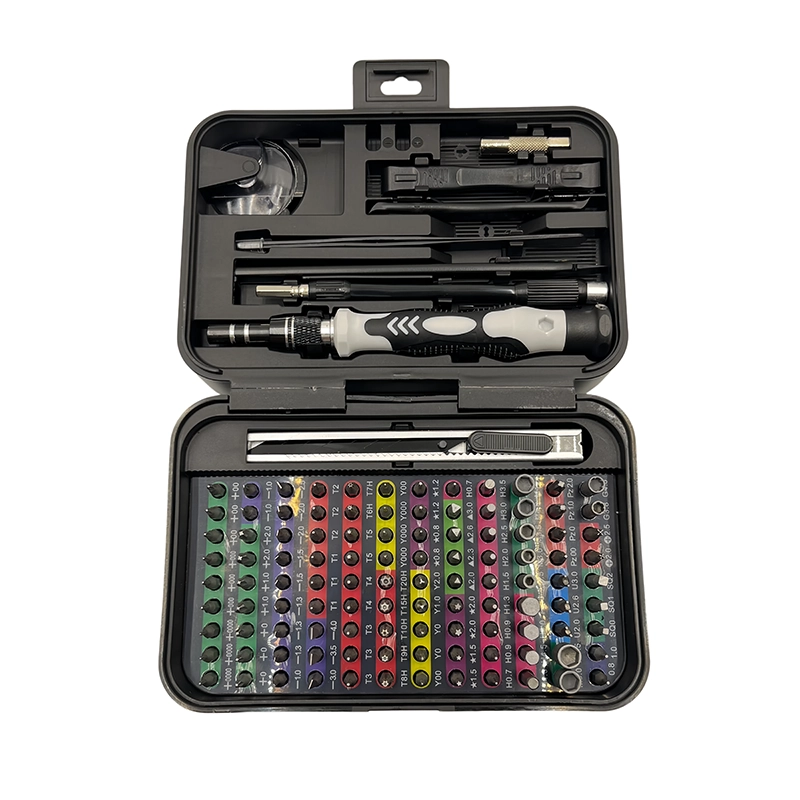
For laptop upgrades, start with the exact bit profiles and access steps documented for the laptop model. Add a stable precision handle, suitable shaft reach, a screw map, parts tray and non-marring opening tools; verify every item on a representative device before standardizing the kit.
laptop repair tool kit
laptop repair tool kit means selecting a tool set around the real fastener, surface, access and inspection requirement instead of choosing by piece count alone.
A useful laptop repair tool kit is model-led, not piece-count-led. It needs the documented bit profiles for the target laptop, a stable manual handle, enough reach for recessed screws, a screw map and safe parts handling. Check the manufacturer's service information before opening the device because fasteners and access steps vary by model.
For laptop repair tool kit, the brief should translate correct bit profiles, shaft reach, screw mapping and hand control around covers, cables and clips into an observable sample decision. Record the exact opening laptops, replacing storage or memory and servicing accessible cooling components, the surrounding material, access limit, expected repetition and pass condition before comparing features. document screw positions and verify the kit against the laptop families used by the service team. That evidence gives a manufacturer, distributor or private-label buyer a configuration target instead of a generic request for more pieces.
Which screwdriver tools belong in a laptop repair tool kit?
Start with the laptop maker's service information: choose the documented bit profiles and a handle that stays square, then map every screw length before lifting a cover or internal bracket. Start with the exact device, appliance, furniture part or printed feature whenever possible. A sample that looks close in a catalogue can behave differently when the screw is recessed, the housing is plastic, the panel is finished or the printed part has a thin wall. Confirm the fit before comparing colour, packaging or a larger accessory count.
Which laptop bit profiles and shaft lengths should you verify?
The selection should follow correct bit profiles, shaft reach, screw mapping and hand control around covers, cables and clips. List the profiles, sizes, lengths or abrasive shapes that the user actually needs, then mark the pieces that are optional. For a product set, also record the interface, storage position, replacement plan and any speed or handling limits. This detail keeps a high piece count from hiding a gap in the real application.
Why do laptop screws get mixed up during upgrades?
treating a high piece count as proof of laptop compatibility or placing a long screw in a shallow mounting point The remedy is usually a better start: clean the work area, seat the bit or accessory fully, keep the tool square, support the part and stop to inspect before the problem becomes irreversible. If a feature is safety-critical, load-bearing or outside the tool’s intended control, the correct decision may be a different tool, a controlled machining step or a reprint.
How should you prepare for an SSD, memory or battery upgrade?
Set up opening laptops, replacing storage or memory and servicing accessible cooling components on a supported surface with direct light and a dedicated place for every removed fastener or used accessory. The operator should be able to observe correct bit profiles, shaft reach, screw mapping and hand control around covers, cables and clips without changing grip or blocking the work. Because treating a high piece count as proof of laptop compatibility or placing a long screw in a shallow mounting point, begin with a reversible trial, inspect after the first controlled movement and keep the stopping point visible throughout the task.
How do you test a laptop tool kit before field use?
Validate laptop repair tool kit on a representative opening laptops, replacing storage or memory and servicing accessible cooling components. Record the profile or accessory identity, access, handling, condition before work and the result tied to start with the laptop maker's service information: choose the documented bit profiles and a handle that stays square, then map every screw length before lifting a cover or internal bracket. Include the unsuccessful attempt or stop signal as evidence, because a sample that only records the successful pass cannot explain the limits another operator must follow.
The retained record for laptop repair tool kit should be short but specific: identify the workpiece, approved setup, acceptance view and any item that was replaced or rejected. For this task, document screw positions and verify the kit against the laptop families used by the service team. A buyer can then compare samples on the same evidence and explain why the selected configuration fits this application without implying universal compatibility.
What should a laptop repair kit buyer specify?
State the target market, user, application, order quantity and required launch timing. Add the product or platform reference, complete bit or accessory map, packaging format, label language, manual requirements, compliance documents and sample plan. document screw positions and verify the kit against the laptop families used by the service team. Keep commercial and technical decisions together so the quotation reflects a real configuration rather than a generic photograph.
Laptop repair tool kit checklist
Before the next job, confirm the correct profile, clean contact surfaces, square alignment, protected no-touch areas, a visible stop condition and a final fit or appearance check. Record the model and replacement items when the kit is shared. These small habits make laptop repair tool kit useful for a service bench, a workshop or a DIY project instead of a tool case that looks complete but is hard to trust.
Choose the method by the real job
| Method | Best use | Main risk | Stop when |
|---|---|---|---|
| Core task | opening laptops, replacing storage or memory and servicing accessible cooling components | Wrong profile or poor access | The fastener is seated and the part passes |
| Repeat work | The common service or DIY job | Fatigue or poor organization | The workflow is repeatable |
| Final check | Fit, finish or function | Over-tightening or damage | The approved stop condition is met |
- Confirm the actual opening laptops, replacing storage or memory and servicing accessible cooling components and the fastener, surface or feature involved.
- Check the complete bit or accessory map, interface, reach and storage position.
- Use representative samples and a repeatable inspection light, gauge or mating part.
- Write the stop condition that prevents treating a high piece count as proof of laptop compatibility or placing a long screw in a shallow mounting point.
- Include packaging, manual language, replacement items and target-market requirements in the brief.
- View the referenced 132-in-1 manual precision set →
- Related guide: Can I Use a Flathead Screwdriver for Electronics Repair? →
- Next application question: Hand-Cranked vs Electric Screwdrivers for Electronics Repair →
- Review manufacturing and quality support →
- Explore OEM / ODM options →
- Read the related manual-screwdriver-set-electronics-repair guide →
- Continue with the manual-screwdriver-for-rc-toy-maintenance topic →
- Related guide: Manual Screwdriver Sets for Router, Switch, and Network Device Service →
What tools do I need in a laptop repair tool kit?
Use the bit profiles and access tools specified for the target laptop, plus a stable precision handle, screw map, parts tray and non-marring opening tools. Add ESD controls appropriate to the service procedure rather than assuming one generic kit fits every model.
Is one Phillips bit enough for laptop repair?
Not reliably. Laptop fasteners can vary by brand, model and location, so verify the documented profile, size and shaft reach before opening the device. A bit that only looks close can damage a shallow screw head.
Why should laptop screw lengths be mapped?
Different locations can use visually similar screws with different lengths. Mapping each screw to its original position helps prevent a long screw from entering a shallow mount or contacting an internal part during reassembly.
Can an electric screwdriver be used for laptop upgrades?
It can assist with controlled travel after the bit fit, alignment and tool setting are qualified, but manual control is safer for thread starting, uncertain resistance and final seating. The comparison guide explains where to switch between the two.