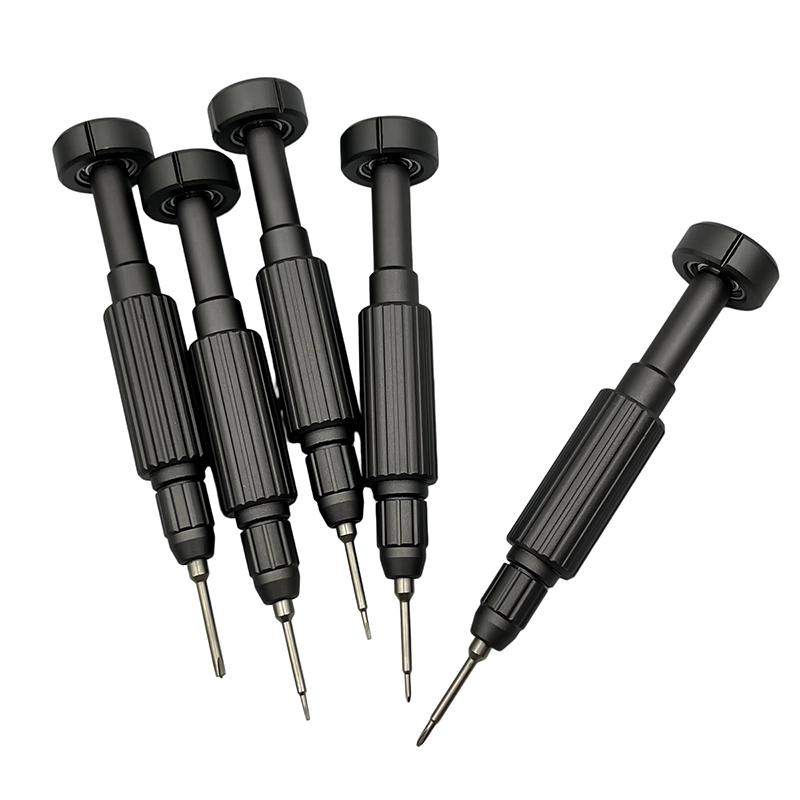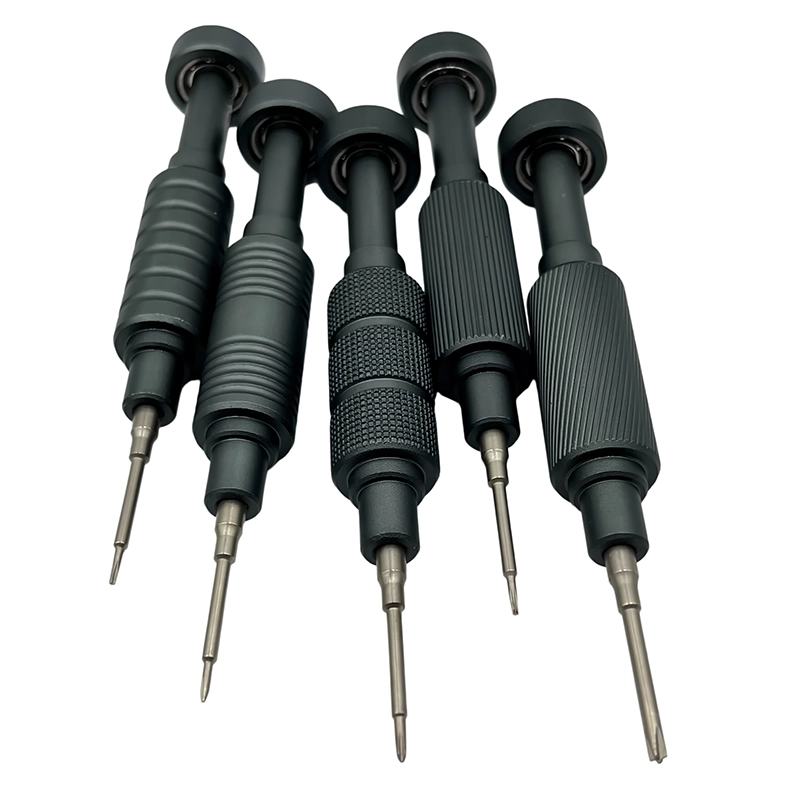
Use a manual precision screwdriver that seats fully in the keyboard’s case and plate screws, reaches recessed pockets, and gives clear thread feedback. Pair it with a labeled screw map because lengths may differ around the case. Remove keycaps and power first, support the enclosure, and begin every screw gently to protect plastic bosses and threaded inserts.
Mechanical keyboard repair screwdriver
A hand-operated precision driver selected for keyboard enclosure, plate, PCB, daughterboard, and stabilizer fasteners, with emphasis on access and controlled thread starts.
What makes this manual screwdriver task different?
Mechanical keyboards combine large cosmetic housings, flexible PCBs, daughterboards, foam layers, and small screws that may look identical while differing in length. Aluminum cases can hide deep recesses; plastic cases can use delicate bosses. The tool must reach cleanly without dragging across coated surfaces or confusing one screw position with another. The first decision is therefore not how much force the handle can deliver, but whether the service task, device condition, and operator authorization are clearly understood. Keep the manufacturer’s instructions, the actual fastener, and the surrounding parts in view before selecting a bit.
A manual driver gives useful tactile feedback only when the workpiece is supported and the tip remains fully engaged. For keyboard hobbyists, repair shops, custom builders, and small-batch accessory brands, that means treating access, visibility, screw identity, and reassembly records as part of the tool choice rather than as optional bench habits.
Which technical factors matter most?
Prioritize a straight bit, low play at the holder, a rotating cap for fingertip control, and enough shaft length to clear tall case walls. Bit fit should be checked before torque is applied. ESD precautions relate to the entire workstation and handling method, not a marketing claim attached to an ordinary metal screwdriver. Evaluate the complete installed system: handle, cap, holder, bit, fastener, access path, and work support. A premium material name or a high accessory count cannot compensate for partial recess contact or an unsafe service sequence.
For mechanical keyboard screw mapping with manual tools, any drawing, service manual, torque specification or safety rule takes priority over general hand-tool guidance. Record the exact model, the condition described by a frequent error is reinstalling a longer case screw into a shallow pcb or daughterboard position. another is tightening the perimeter before foam and plate layers have settled, leaving the enclosure twisted or the acoustic result inconsistent. and the configuration used by keyboard hobbyists, repair shops, custom builders, and small-batch accessory brands. A revision can change fastener length, cable routing, sealing or authorized access, so the retained record must identify the actual article-specific task.
What workflow keeps the repair controlled?
1. Disconnect the cable or battery, photograph the layout, remove keycaps only when the service plan requires it, and place the board on a non-scratching support. This preparation stage prevents the screwdriver from becoming the first tool used on an unidentified joint.
2. Create a perimeter-to-center screw map and note any different lengths, washers, or hidden screws beneath feet and labels without forcing the case apart. Place each removed fastener into a position-based map immediately rather than relying on memory or one mixed container.
3. Reassemble foam, daughterboard cables, and plate layers in their original orientation; start screws loosely, align the case, then tighten gradually in a balanced sequence. Final inspection should confirm the joint, surrounding parts, and complete device function required by the manufacturer; a closed case alone is not proof of a successful repair.
How should buyers compare a manual screwdriver set?
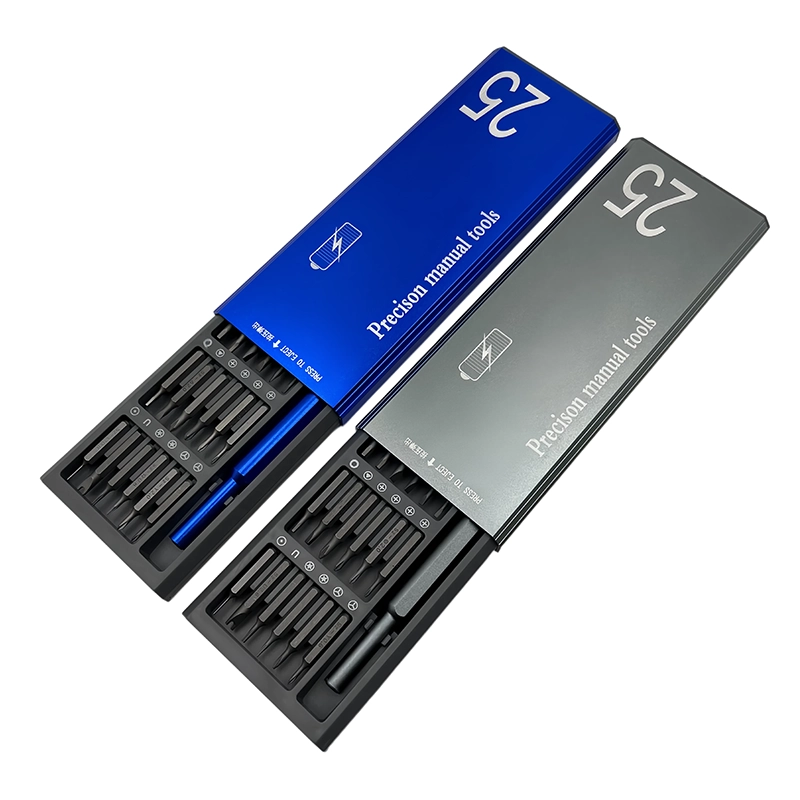
Compare candidates on verified profile fit, working reach, installed-bit stability, handle access, cap behavior, storage, labels, replacement support, and performance on representative fasteners. Choose a compact precision set whose bits match the keyboard brands and case styles on the bench. For retail or OEM, include a labeled bit layout, a non-scratching work note, screw-map guidance, and truthful limits: switches, keycaps, soldering, and enclosure opening are separate tasks that may require other tools.
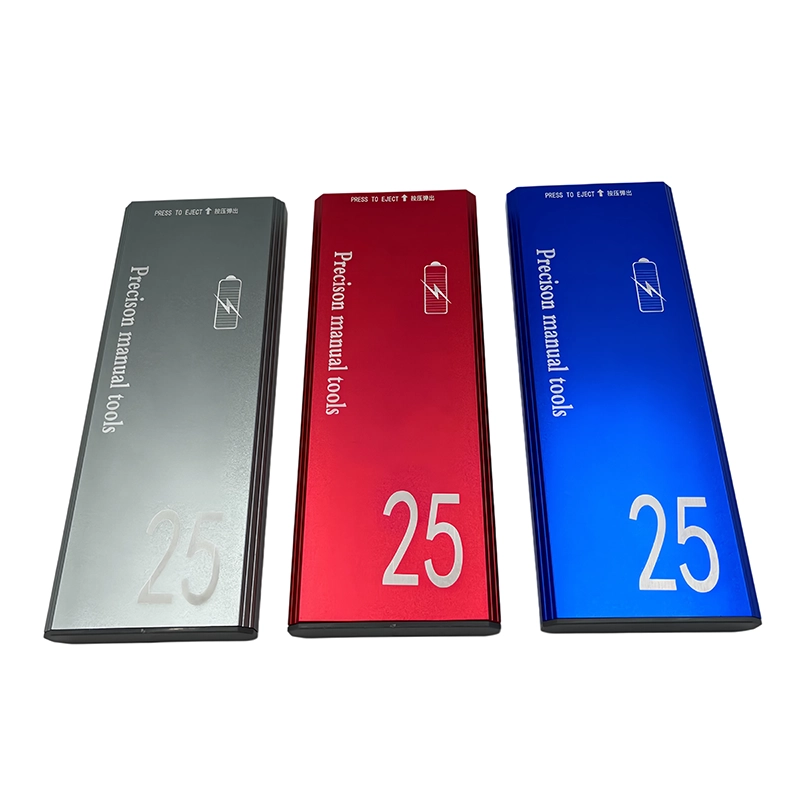
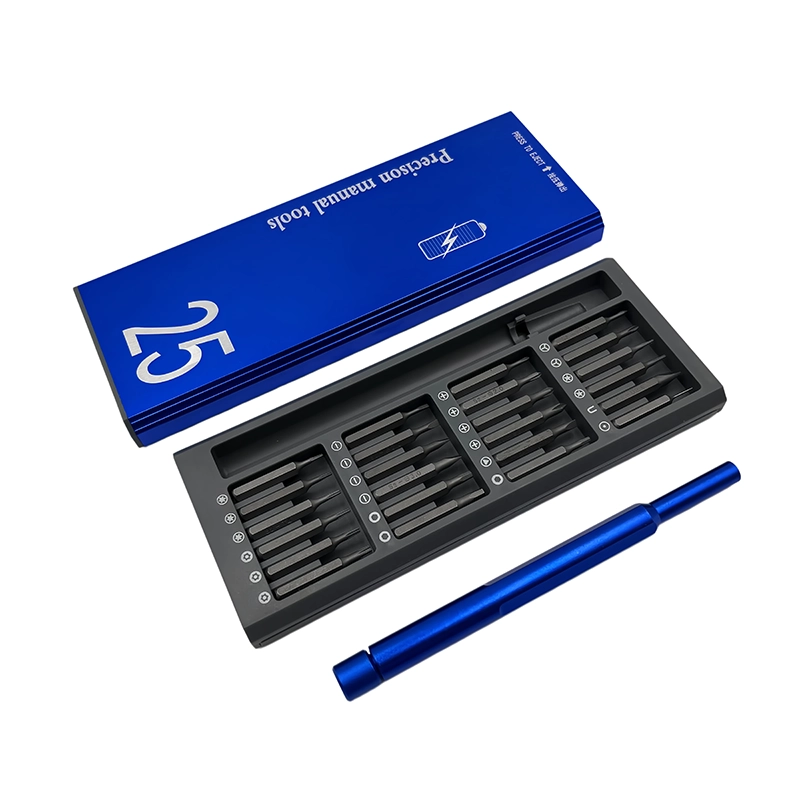
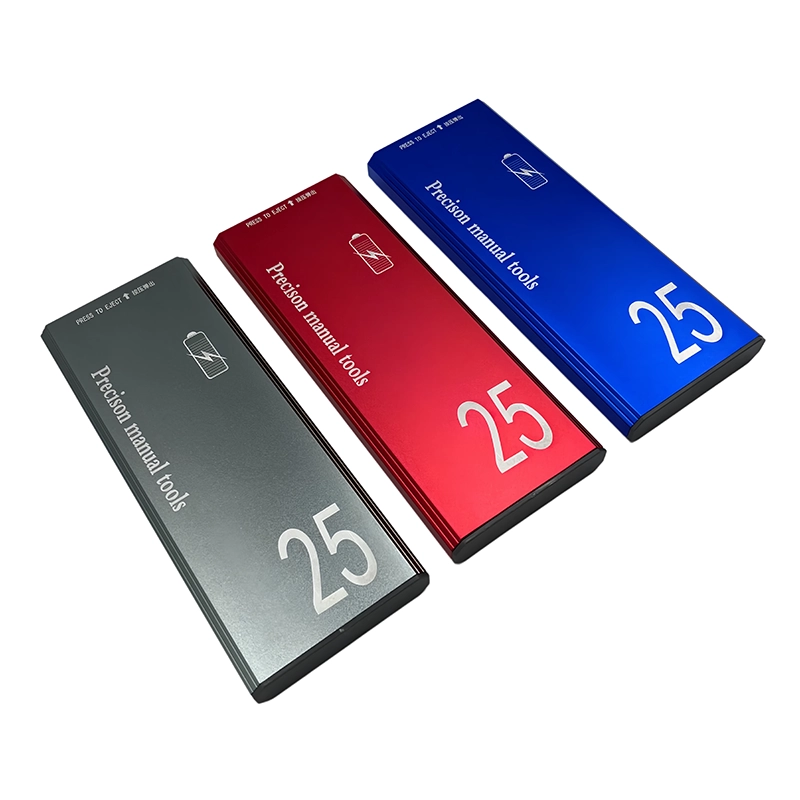
For a wholesale or private-label mechanical keyboard screw mapping with manual tools project, freeze the bit map and case layout around this recommendation: Choose a compact precision set whose bits match the keyboard brands and case styles on the bench. For retail or OEM, include a labeled bit layout, a non-scratching work note, screw-map guidance, and truthful limits: switches, keycaps, soldering, and enclosure opening are separate tasks that may require other tools. Link the physical 25-in-1 manual precision screwdriver set sample, specification, product images, packaging text and the task-specific inspection criteria to one revision so the claim remains tied to the configuration that will ship.
What failure signs mean stop rather than push harder?
A frequent error is reinstalling a longer case screw into a shallow PCB or daughterboard position. Another is tightening the perimeter before foam and plate layers have settled, leaving the enclosure twisted or the acoustic result inconsistent. The operator should preserve the remaining screw geometry and surrounding device instead of converting uncertainty into more force.
Stop if the case does not separate after all documented screws are removed, a cable remains attached, the bit rocks, or a screw begins at an angle. Hidden clips and adhesive should be handled according to the keyboard’s service information. Document the condition when the job is handed off. A clear stop rule protects the customer’s device and gives a qualified technician better options than a head damaged by repeated attempts.
How does this apply in a real repair?
On a gasket-mounted board, keep screws and soft layers in sequence rather than treating the enclosure as a simple two-piece shell. When servicing stabilizers, protect the PCB and avoid using the driver as a pry tool. A careful hand start reveals whether the insert and screw are aligned before the case is loaded. Use the actual device instructions and representative hardware to confirm the method. Similar-looking screws can have different length, pitch, shoulder, coating, sealing, or grounding roles.
The buying decision for mechanical keyboard screw mapping with manual tools should cover prioritize a straight bit, low play at the holder, a rotating cap for fingertip control, and enough shaft length to clear tall case walls. bit fit should be checked before torque is applied. esd precautions relate to the entire workstation and handling method, not a marketing claim attached to an ordinary metal screwdriver. without encouraging force outside the defined task. Keep an exception path for the condition in stop if the case does not separate after all documented screws are removed, a cable remains attached, the bit rocks, or a screw begins at an angle. hidden clips and adhesive should be handled according to the keyboard’s service information.; that path may require a different bit, opening tool, specified torque method, rated electrical tool, battery process or qualified specialist rather than a larger general-purpose set.
What does the XOENAEN catalogue add to the decision?
The current XOENAEN catalogue includes the 25-in-1 manual precision screwdriver set, the real product reference used for mechanical keyboard screw mapping with manual tools. Its photography and model record can anchor the buyer brief for on a gasket-mounted board, keep screws and soft layers in sequence rather than treating the enclosure as a simple two-piece shell. when servicing stabilizers, protect the pcb and avoid using the driver as a pry tool. a careful hand start reveals whether the insert and screw are aligned before the case is loaded. Catalogue evidence does not establish universal device compatibility; the actual fastener, access path, stop rule and order-specific sample still determine approval.
Keyboard service quality depends less on maximum torque than on positional discipline. The correct bit, screw-length map, layer order, and balanced tightening sequence protect both the PCB and the intended case alignment. Share target devices, fastener photos, required profiles, access constraints, market, quantity, packaging, and verification needs through the XOENAEN project enquiry so the product and evidence can be aligned before production.
Keyboard repair handle options
| Option or condition | Best use | Main caution |
|---|---|---|
| Slim precision handle | Clear feedback and recessed access | Less leverage on stubborn case screws |
| Large fixed handle | Comfortable for open case screws | May contact tall case walls |
| Powered precision driver | Faster after validation | Can hide cross-threading during delicate starts |
- Identify case and PCB screw profiles
- Measure recessed access
- Check rotating-cap comfort
- Use a position-based screw map
- Protect anodized or painted surfaces
- Define ESD handling for exposed boards
- 25-in-1 manual precision screwdriver set product page →
- Plan an OEM or private-label project →
- Review XOENAEN manufacturing and quality →
- Read XOENAEN tool FAQ answers →
- Related guide: manual-driver-for-diy-circuit-projects →
- Related guide: precision-screwdriver-bit-organization →
- Continue with the manual-screwdriver-rc-transmitter-gimbal-spring-service topic →
- How XOENAEN presents quality evidence →
What screwdriver do I need for a mechanical keyboard?
Use the profile and size that fully fit the actual case and PCB screws. Keyboard brands do not share one universal fastener map.
Why should keyboard screws be mapped?
Screw lengths and positions can differ. A position map reduces the risk of placing a long screw against a PCB or shallow boss.
Can a screwdriver open keyboard clips?
No. A metal driver should not substitute for a suitable opening tool because it can mark the case, slip, or damage internal cables.
Should I tighten the keyboard case fully one screw at a time?
No. Start the screws loosely, align the case and internal layers, then tighten gradually in a balanced sequence.
Is every metal screwdriver ESD-safe?
No. ESD control is a verified workstation, grounding, handling, and tool-system requirement; do not infer compliance from a metal handle alone.
When should a keyboard screw be replaced?
Replace it when the recess, threads, plating, or straightness is damaged. Confirm the exact diameter, pitch, and length before substitution.