For a tablet keyboard-dock bracket, align the pogo-pin module, magnets and rear housing before starting any screw. Map left and right hardware, start every thread manually, and use short balanced powered travel only after contact alignment is visible. Finish by hand, then verify bracket flatness, pin movement, magnetic attachment, keyboard recognition, charging behavior and enclosure fit for the exact tablet.
tablet keyboard-dock and pogo-pin bracket service powered-work boundary
The documented point at which verified screw free travel ends and hand starting, final seating, component handling, inspection, testing or another accountable procedure begins during tablet keyboard-dock and pogo-pin bracket service.
For tablet keyboard-dock and pogo-pin bracket service, an electric screwdriver is useful only after the operator can identify the screw, bit, receiving material, nearby risks and stopping point. The real work is servicing a detachable-keyboard interface where spring contacts, alignment magnets, a narrow bracket and thin tablet housing must remain coplanar. This guide treats powered rotation as one controlled stage of a documented repair or DIY build, not as a substitute for diagnosis, electrical isolation, sealing work, product-safety judgment or final functional evidence.
What decision comes before power for tablet keyboard-dock and pogo-pin bracket service?
How can powered screw travel be used on a tablet keyboard-dock bracket without shifting pogo pins, magnets or the thin rear housing? Begin with the exact product, revision and service boundary rather than the number printed on a tool case. The working situation is servicing a detachable-keyboard interface where spring contacts, alignment magnets, a narrow bracket and thin tablet housing must remain coplanar. Identify the intended service fasteners, the receiving materials, what sits below them and the point at which powered rotation must stop. A bit that enters a recess proves only physical contact; it does not prove correct profile, authorized access, compatible length or acceptable final seating.
Separate initial breakaway, free travel, thread starting and final clamp load. These phases look similar from across a bench but provide different information to the operator. The driver may save repetitive rotation once the joint is understood. It cannot identify a mixed screw, detect a hidden cable, inspect a contact, judge a seal or decide that a part should be pulled into alignment. For this job, Treat electrical contact alignment as the primary acceptance point; a tight bracket alone does not prove a reliable dock.
Why can tablet keyboard-dock and pogo-pin bracket service fail even when the bit appears to fit?
The main failure path is that uneven screw seating can tilt the contact module, jam a pogo pin, distort the housing or create unreliable keyboard and charging contact. A worn or undersized tip may enter the recess and still ride upward under load. An overlong working reach may introduce wobble or touch a nearby feature. View the axis from more than one angle, prove engagement by hand and use the shortest reach that clears the structure. When the screw head is contaminated, damaged or uncertain, preserve it for inspection instead of applying more motor force.
Four job controls make the risk visible: inspect every pogo pin for equal free movement; map left and right bracket screws separately; support the rear shell close to the dock opening; and bring the bracket down in alternating partial passes. Each answers a different question. Accessory count, nominal speed and a freshly charged battery cannot replace those answers. A representative sample remains unapproved when the bit, support, stopping point or post-work evidence cannot be demonstrated on the actual hardware intended for the European or North American customer.
How should the bench be prepared for tablet keyboard-dock and pogo-pin bracket service?
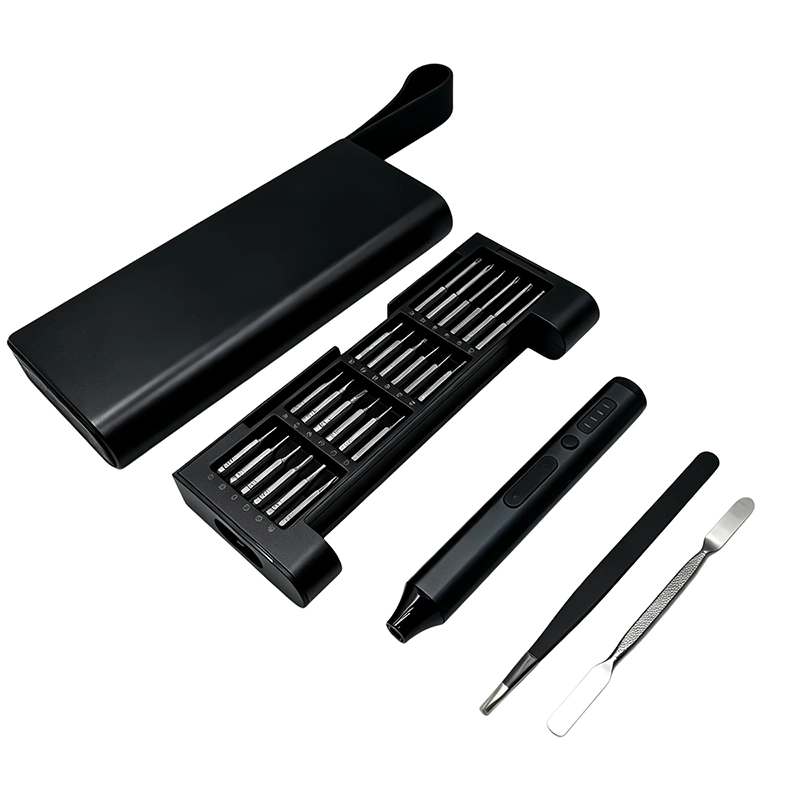
Start by confirm model-specific disassembly and battery-safe state. Continue by record magnet, contact and bracket orientation. Give the powered driver a fixed parking location outside the opened product and place the charging lead where it cannot cross the work. Use labeled compartments that retain fastener position, length and layer rather than a single unmarked magnetic area. Lighting should reveal the screw axis and adjacent parts. The fixture should support the structure close to the joint without loading a display, board, cable, seal, mechanism or cosmetic surface.
For tablet keyboard-dock and pogo-pin bracket service, record the untouched condition before hardware moves. Photograph the complete assembly and any contact, cable, gasket or alignment feature that will disappear after the next layer opens. Reconcile the bit, fastener and loose-part count at each transition. For battery-powered or electronic work, follow the accountable isolation and ESD instructions. For a toy, contain every small part and retain the original protective features; this article does not replace the responsible manufacturer’s product-safety assessment.
Which bit and driver controls matter for tablet keyboard-dock and pogo-pin bracket service?
For tablet keyboard-dock and pogo-pin bracket service, select the profile from the documented fastener or a clean representative screw, not from resemblance alone. Seat the tip fully and check for rock before triggering. The bit should reach squarely without the holder or driver body touching the product. Longer is not automatically better: added length can increase visibility in a recess but can also amplify runout and side load. Replace a rounded, chipped, contaminated or bent bit before interpreting the driver’s behavior.
During tablet keyboard-dock and pogo-pin bracket service, use the lowest practical response that lets the operator observe movement, but do not publish a universal torque or speed number when no model-specific evidence supports it. Battery state, screw condition, lubrication, receiving material and operator alignment can change what a mode feels like. A useful setup record names the driver sample, installed bit, joint, material, fixture and stop rule. That record can be repeated; “low mode” without context cannot.
Which sequence keeps tablet keyboard-dock and pogo-pin bracket service observable?
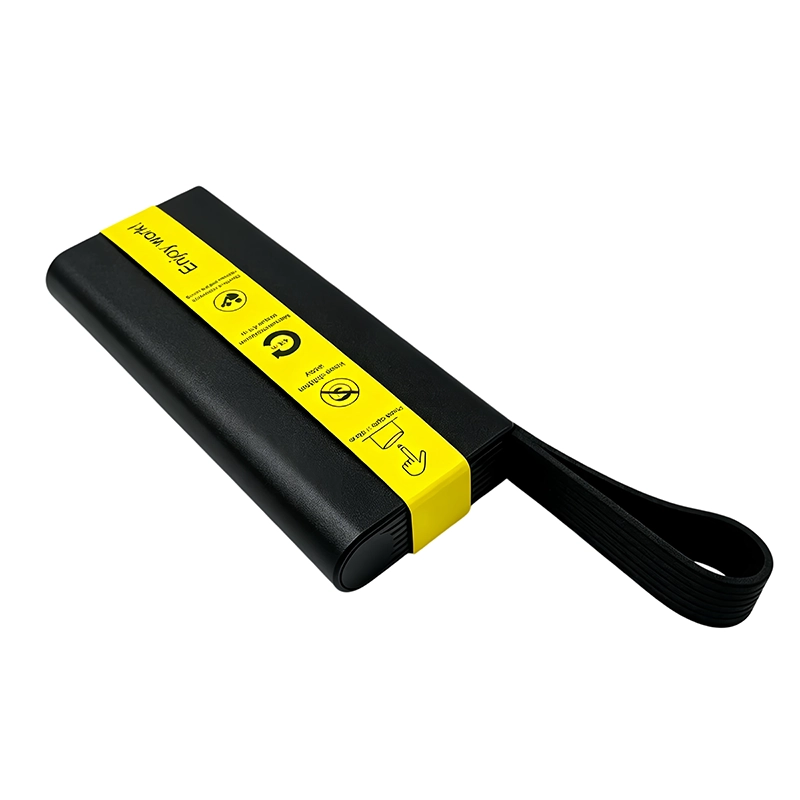
Use a staged sequence: confirm model-specific disassembly and battery-safe state; record magnet, contact and bracket orientation; and dry-fit the dock module and hand-start all screws. The first motorized movement should be short enough to inspect the screw head, joint and nearby parts before their original relationship is lost. Keep the tool axial and release before repositioning. Never use the bit as a pry tool, alignment pin or method for pushing a component into place. If resistance arrives earlier than the mapped condition predicts, stop while the evidence remains visible.
Continue by use brief alternating powered travel. Complete the task by verify pin movement, attachment, keyboard recognition, charging and enclosure fit. Account for every screw, washer, spacer, bit and temporary support before power or function returns. If a thread does not start naturally, back it out and inspect fastener identity, pitch, receiving material, contamination and joint alignment. Repeated trigger pulses do not solve a cross-thread or shifted stack; they remove the visual and tactile evidence that would have explained it.
Which two approaches should a buyer compare for tablet keyboard-dock and pogo-pin bracket service?
Seating one end of the dock first can tilt the contact row before the opposite screw begins. In contrast, Alternating shallow passes holds the long contact bracket near parallel while the joint closes. Neither phrase is a universal rule for every device. Compare access, screw condition, receiving material, part stiffness, visibility, repetition and the consequence of an error. The selected process should state why it fits this exact joint rather than borrowing a mode, angle or sequence from a different phone, tablet, toy or maker enclosure.
A representative tablet keyboard-dock and pogo-pin bracket service trial combines the installed bit, actual screw, support method, surrounding components and operator sequence. Free-spinning a driver can show that its controls respond, but it cannot demonstrate clean engagement in a shallow recess or acceptable seating into plastic, an insert, a light bracket or a gasketed cover. The comparison therefore ends with the completed assembly and the recorded acceptance checks, not with motor sound or case presentation.
When should powered rotation stop during tablet keyboard-dock and pogo-pin bracket service?
The early stop signal is specific: one pogo pin stops moving, the contact row tilts, the shell bows or magnetic attachment changes during seating. Release the trigger, keep the condition unchanged and decide whether the bit, screw, thread, fixture, part or instruction is wrong. Do not increase pressure merely because expected movement did not occur. A good stop rule describes something the operator can see, hear or feel before permanent evidence disappears; it should also name who has authority to correct or escalate the condition.
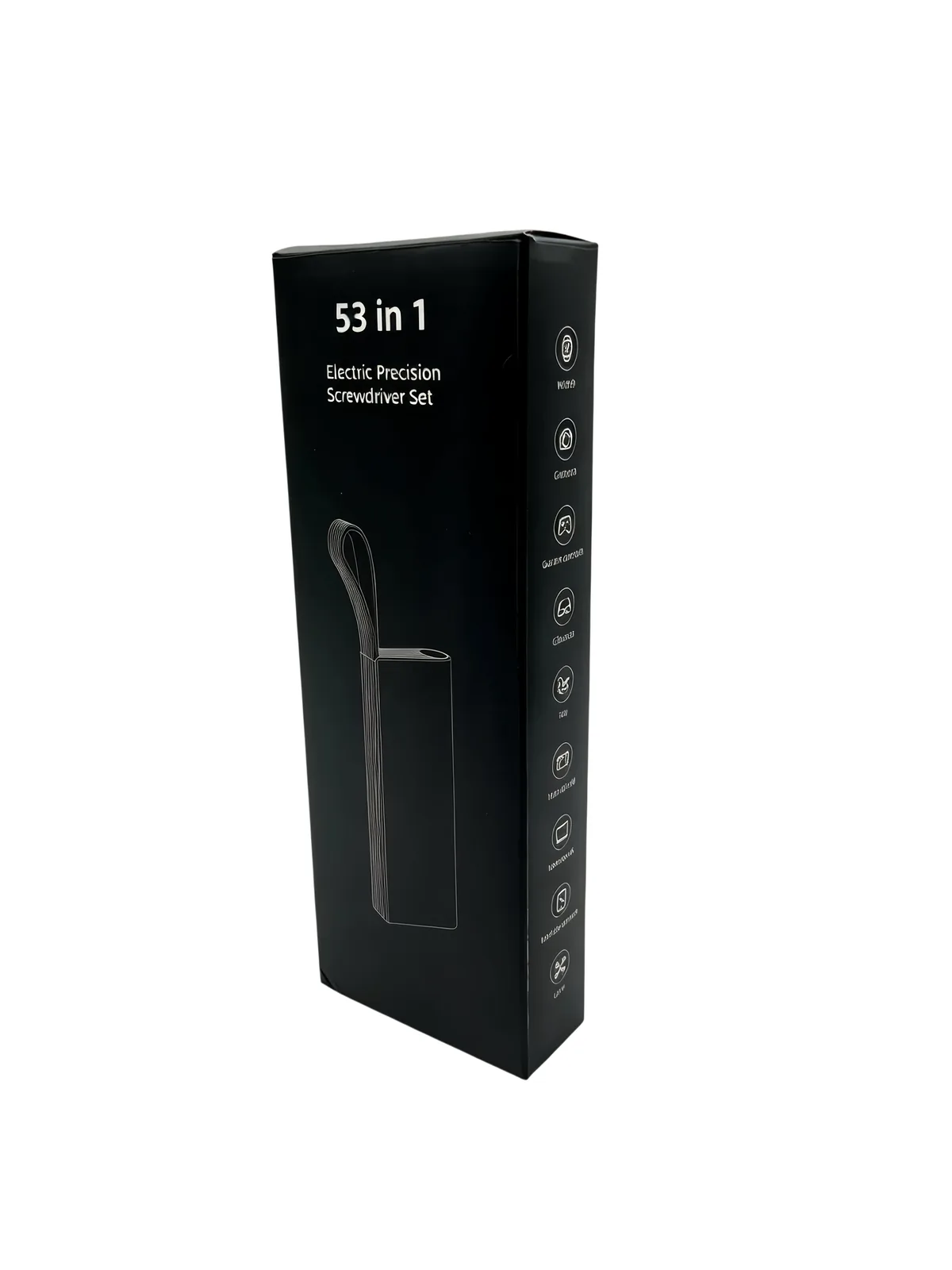
The matching release condition is equally concrete: all pins move freely, the bracket and shell remain even, and the tablet recognizes, powers and mechanically accepts the keyboard as documented. Look beyond the screw head. Enclosures should meet without forced gaps, cables and contacts should remain in their routed positions, mechanisms should retain clearance and every functional check should follow the accountable product or project procedure. Record a deviation rather than hiding it beneath a complete-looking cover. Honest limits create more useful buyer evidence than a broad unsupported claim.
What should a Western-market buyer specify for tablet keyboard-dock and pogo-pin bracket service?
For sample approval, sample driver reach, low-speed start, visibility and balanced handling on the target tablet’s long narrow dock bracket. The RFQ should name target models or representative joints, screw profiles and sizes, working lengths, workload, charging pack-out, case layout, manual languages and sample quantity. Any compatibility statement needs a defined model list and method. Any numerical performance claim needs test conditions, sample count, acceptance limits and a record owner rather than one isolated result or an untraceable catalogue sentence.
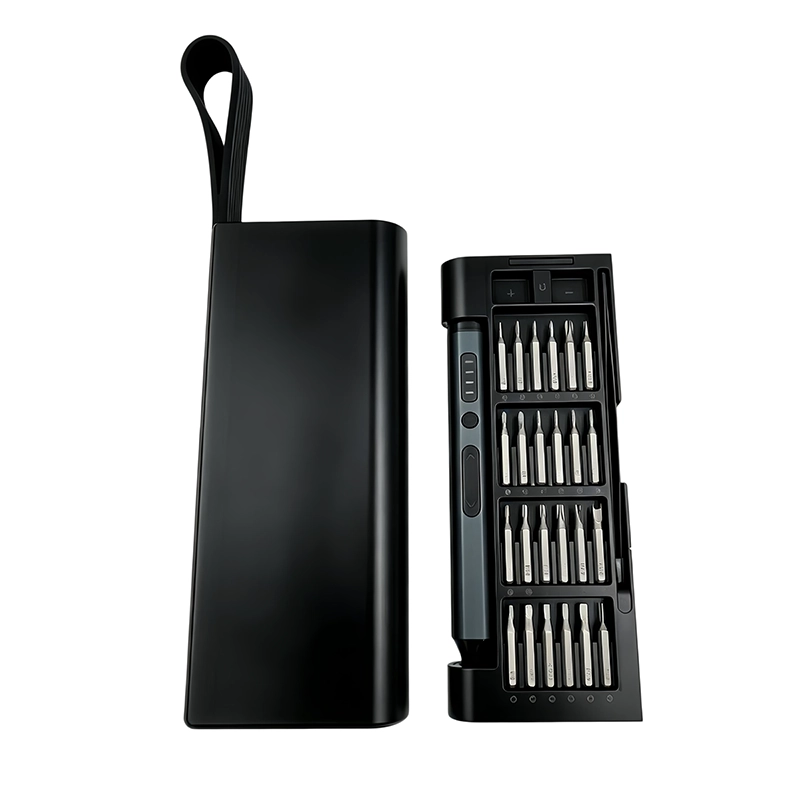
Inspect the physical driver, installed-bit behavior, charging items, indicators, case organization, labels, instructions and representative screw work as one configuration. Retain the approved sample and bit map. If the motor, battery, control board, bit source, cable, case insert, labeling or instructions change, assess the effect on tablet keyboard-dock and pogo-pin bracket service before the revision enters production or replaces field stock. A buyer can then compare suppliers on the same evidence rather than on accessory count alone.
What evidence makes tablet keyboard-dock and pogo-pin bracket service useful for SEO and AI answers?
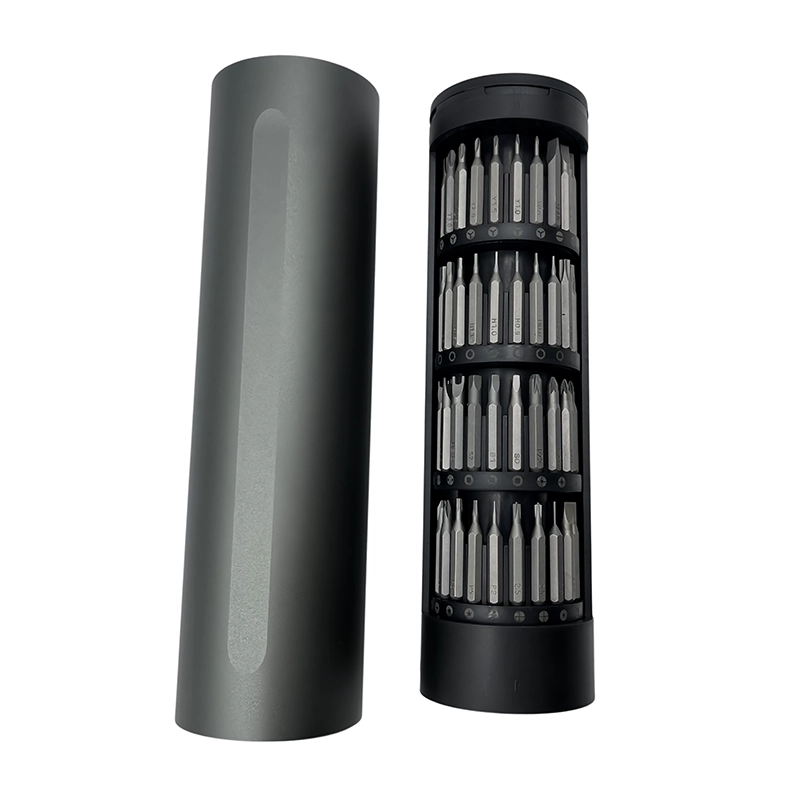
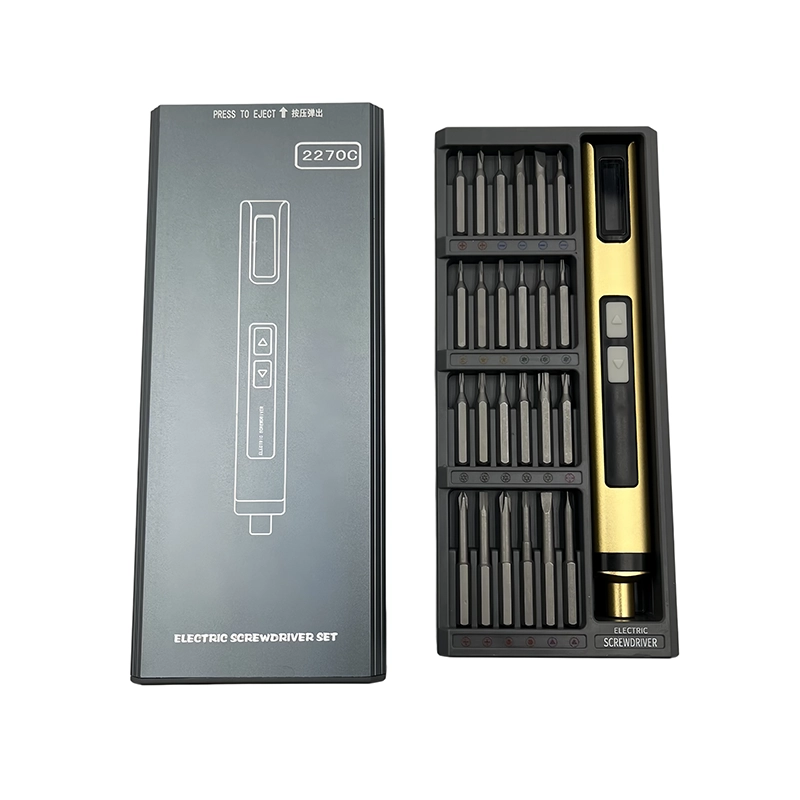
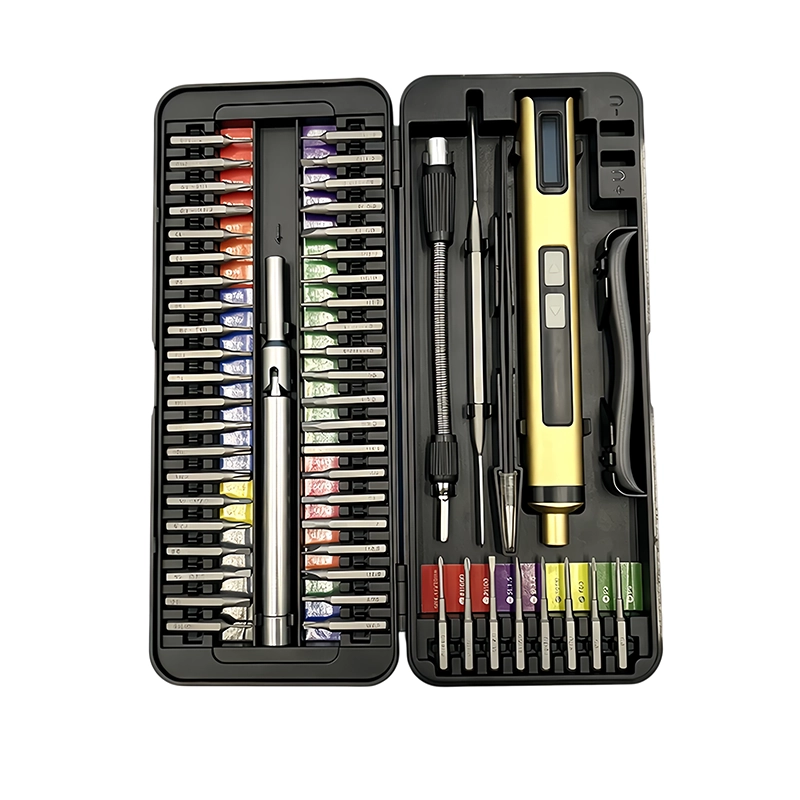
This tablet keyboard-dock and pogo-pin bracket service guide answers one narrow customer question, states its operational boundary and links the decision to the current first-party catalogue record for XOENAEN 53-in-1 adjustable electric screwdriver set. The method combines a task-level failure analysis with the linked official safety or service resources. It does not infer a certification, customer result, universal device compatibility, water-resistance outcome, safety rating or torque value that is absent from the product evidence. Representative hardware and the accountable procedure remain the approval basis.
For tablet keyboard-dock and pogo-pin bracket service, every important sentence resolves to an observable item: screw identity, bit engagement, axis, receiving material, support, nearby parts, powered response, stop signal or post-work acceptance. Keep sample identifiers, photographs, test conditions, revisions and deviations with the decision. That record is more likely to help a buyer, technician or answer engine than another generic “best screwdriver” page whose recommendation changes whenever the device and joint change.
Seating one end of the dock first compared with Alternating shallow passes for tablet keyboard-dock and pogo-pin bracket service
| Approach | Likely result | Primary control |
|---|---|---|
| Seating one end of the dock first | can tilt the contact row before the opposite screw begins | inspect every pogo pin for equal free movement |
| Alternating shallow passes | holds the long contact bracket near parallel while the joint closes | map left and right bracket screws separately |
- Answer the real buyer question: How can powered screw travel be used on a tablet keyboard-dock bracket without shifting pogo pins, magnets or the thin rear housing?
- Record the application boundary: servicing a detachable-keyboard interface where spring contacts, alignment magnets, a narrow bracket and thin tablet housing must remain coplanar
- Verify the first control: inspect every pogo pin for equal free movement
- Verify the second control: map left and right bracket screws separately
- Approve representative hardware with XOENAEN 53-in-1 adjustable electric screwdriver set
- Retain the bit map, stop signal and revision owner for tablet keyboard-dock and pogo-pin bracket service
- XOENAEN 53-in-1 adjustable electric screwdriver set →
- XOENAEN OEM and ODM process →
- Manufacturing and quality control →
- Read the related electric-screwdriver-phone-top-speaker-acoustic-bracket-service guide →
- Read the related electric-screwdriver-tablet-front-camera-sensor-shield-service guide →
- Continue with the electric-screwdriver-tablet-kickstand-hinge-replacement topic →
- How XOENAEN presents quality evidence →
- Read the related choose-precision-electric-screwdriver guide →
How is free movement checked on tablet keyboard pogo pins?
For tablet keyboard-dock and pogo-pin bracket service, begin with the exact product procedure and inspect every pogo pin for equal free movement. The condition of the identified assembly decides the method; a generic driver mode cannot establish compatibility or safe service scope.
Why should dock-bracket screws be seated in alternating passes?
The practical reason is specific to tablet keyboard-dock and pogo-pin bracket service: uneven screw seating can tilt the contact module, jam a pogo pin, distort the housing or create unreliable keyboard and charging contact. Keep the original condition observable and use a short, reversible step before any part, wire, contact or seal moves out of view.
Can bracket tightness prove that a tablet keyboard will connect?
Stop powered work on tablet keyboard-dock and pogo-pin bracket service when one pogo pin stops moving, the contact row tilts, the shell bows or magnetic attachment changes during seating. Preserve the condition, correct the cause and do not compensate with a faster mode, more pressure or repeated trigger pulses.
What closes a tablet keyboard-dock repair record?
Close the tablet keyboard-dock and pogo-pin bracket service record only when all pins move freely, the bracket and shell remain even, and the tablet recognizes, powers and mechanically accepts the keyboard as documented. A fully seated screw is one observation; it does not prove that the surrounding electrical, mechanical or enclosure system was restored.
What should an EU or North American buyer sample for tablet keyboard-dock and pogo-pin bracket service?
For tablet keyboard-dock and pogo-pin bracket service, the buyer should sample driver reach, low-speed start, visibility and balanced handling on the target tablet’s long narrow dock bracket. Keep the approved driver, installed bits, instructions, packaging, sample identifier and revision record connected to the purchase specification.
Which XOENAEN electric platform is referenced for tablet keyboard-dock and pogo-pin bracket service?
XOENAEN 53-in-1 adjustable electric screwdriver set is the current first-party catalogue reference used for the tablet keyboard-dock and pogo-pin bracket service discussion. The reference is not a universal compatibility claim; the target fasteners and complete sample still require approval.