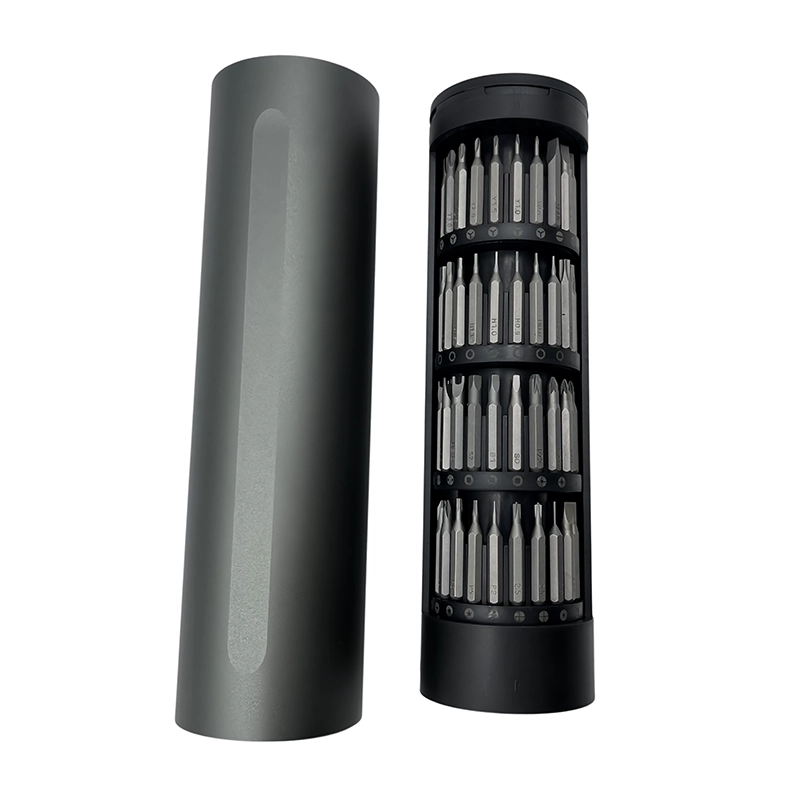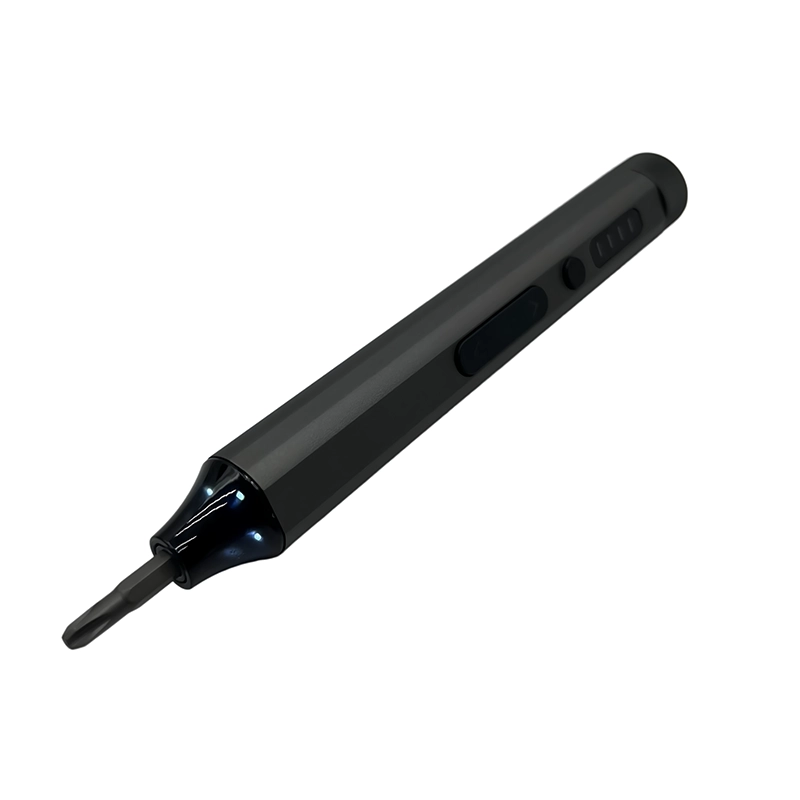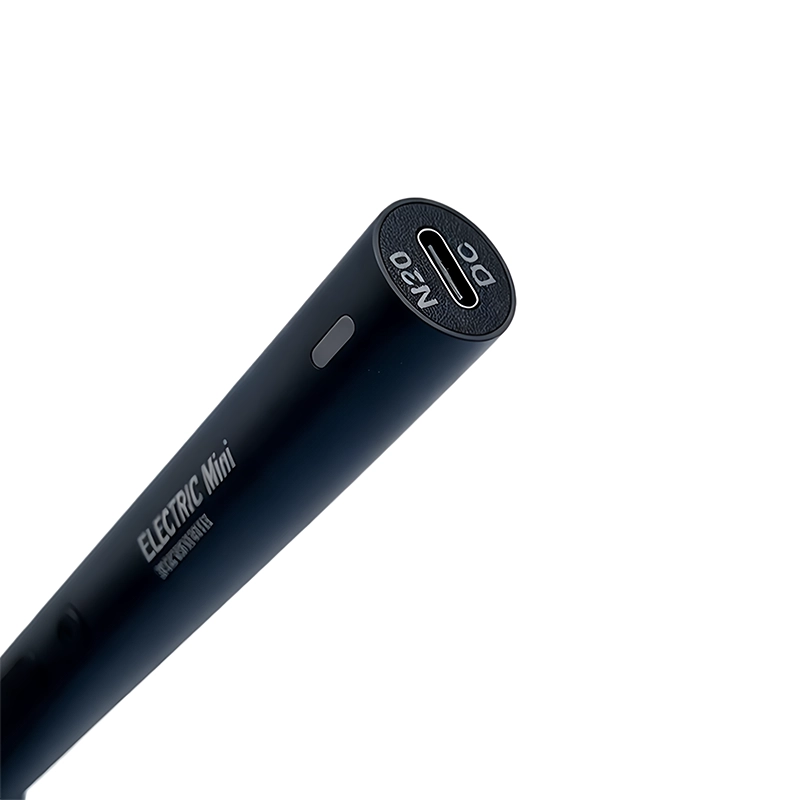
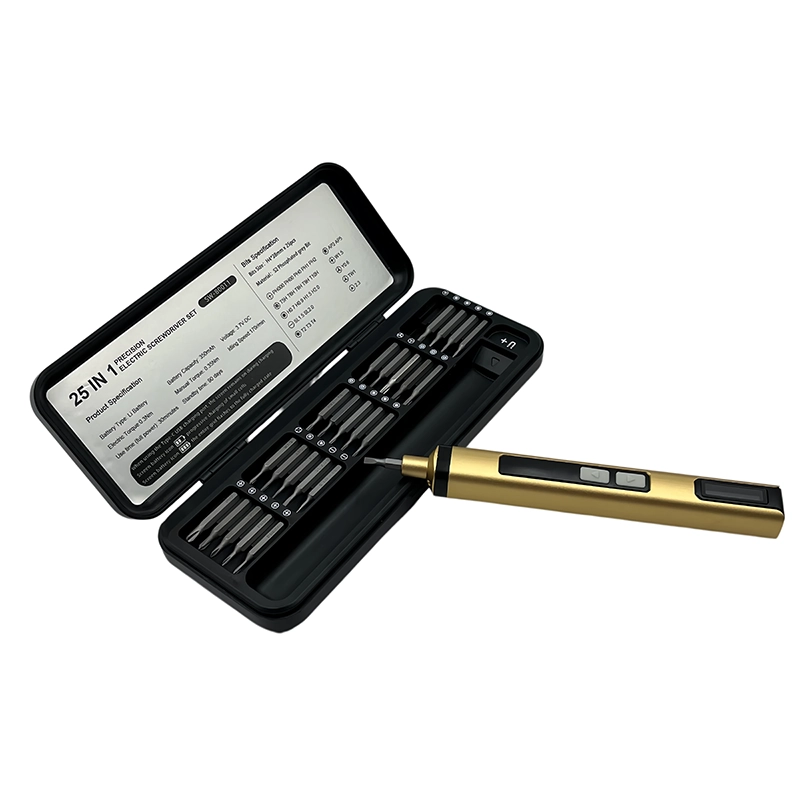
For tablet stylus-rail service, record magnet orientation, cable routing and screw locations before powered removal. Keep loose steel bits and screws controlled, select a bit length that clears the tablet edge and park the driver before handling the charging flex. Start each bracket screw by hand, seat in stages and verify stylus attachment, charging recognition, edge fit and the model’s other required checks.
tablet stylus-charging rail service powered-work boundary
The documented point at which verified electric screw travel ends and hand starting, component handling, inspection, testing or another accountable procedure begins during tablet stylus-charging rail service.
For tablet stylus-charging rail service, useful powered rotation begins only after the operator can name the screw, bit, receiving material, nearby risks and stopping point. The practical setting is servicing a tablet edge rail that combines magnets, a charging coil or flex, light brackets and small screws close to the display and enclosure edge. This guide treats the electric screwdriver as one controlled part of a documented repair or DIY process; it does not replace the product manual, electrical safety work, diagnosis, sealing verification or final functional evidence.
What decision should come first for tablet stylus-charging rail service?
What should a technician control when a stylus charging rail, magnet bracket and tablet edge hardware share the same work zone? The useful answer starts with the product procedure and the exact joint, not the motor setting. The real setting is servicing a tablet edge rail that combines magnets, a charging coil or flex, light brackets and small screws close to the display and enclosure edge. Identify which screws are intended service points, what sits below them and where powered work must stop. This prevents a physically fitting bit from being mistaken for authorization, compatibility or proof that the complete repair can be restored safely.
Separate breakaway, free travel, thread starting and final seating. They are four different decisions. A powered driver can shorten repeated rotation after engagement is known, but it cannot identify a mixed screw, feel a trapped cable, inspect a seal or decide that a distorted part should be pulled into place. For tablet stylus-charging rail service, the practical recommendation is simple: Plan magnetic-part control before choosing the driver setting; a powered tool adds another steel object to an already sensitive work zone.
How should the bench be prepared for tablet stylus-charging rail service?
Begin by confirm the exact service boundary and safe state. Then map rail hardware and mark magnet orientation. Give the driver a fixed parking place beyond the opened assembly and give screws a labeled location that preserves sequence and length. Lighting must show the screw axis and surrounding component, while the fixture supports the structure close to the fastener without hiding movement or transferring pressure into a display, board, seal, gear or finished surface.
For tablet stylus-charging rail service, photograph the original condition before hardware moves. Reconcile tools, bits and fasteners at every layer change. When the task involves batteries or electronics, follow the accountable safe-state and ESD instructions rather than improvising. When the task involves a child-accessible toy, control every loose part and leave product-safety decisions to the responsible maker or qualified process; a blog is not a substitute for that assessment.
Which operating sequence keeps tablet stylus-charging rail service observable?
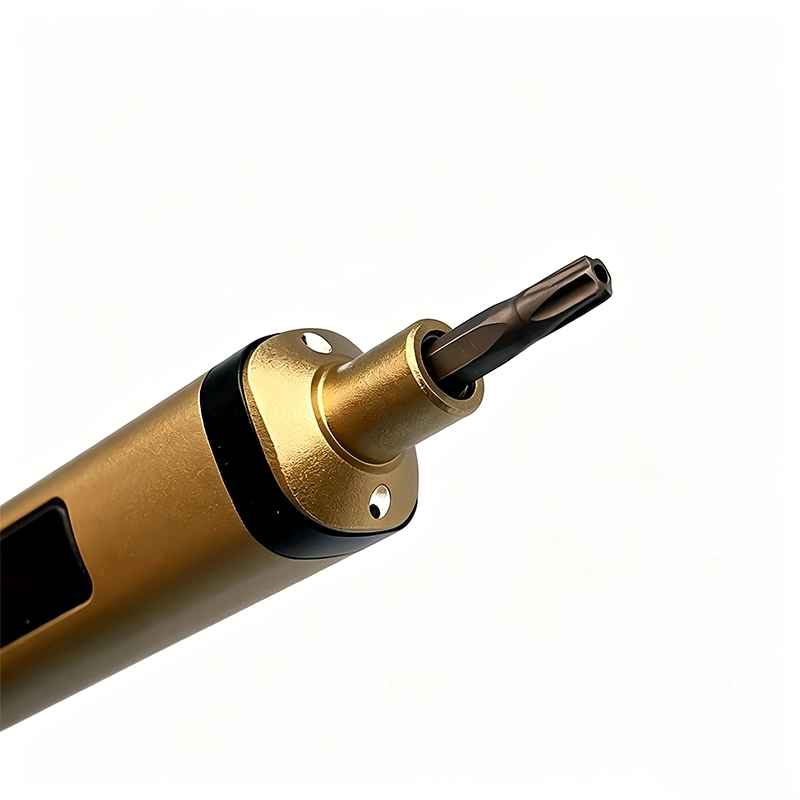
The sequence is staged: confirm the exact service boundary and safe state; map rail hardware and mark magnet orientation; and verify bit access by hand and use brief powered removal. The first powered movement should be short enough that the screw head, joint and nearby parts can still be inspected in their original relationship. Keep the tool on axis, release before repositioning and never use a bit as a pry bar, locating pin or method for pushing the assembly into place.
Continue by handle rail, flex and magnets with the driver parked. Finish by hand-start the bracket and perform attachment and charging checks. Account for every screw, bit, spacer, washer and temporary fixture before power or function returns. If a thread does not start naturally, back it out and inspect profile, pitch, contamination, receiving material and alignment. Repeated trigger pulses merely erase evidence when the real problem is a wrong fastener or shifted joint stack.
Why can tablet stylus-charging rail service go wrong even when the bit fits?
The main failure path is that loose steel hardware can jump toward magnets, while reversed orientation or a trapped flex can leave the rail attached but nonfunctional. A tip can enter a recess while still being undersized, worn, tilted or too long for the surrounding clearance. Prove full-depth engagement by hand, view the axis from a second angle and use the shortest working length that reaches without scraping adjacent features. If the recess is contaminated or damaged, clean or escalate it instead of increasing pressure.
Four controls define this job: photograph magnet and bracket orientation; control loose bits and screws in labeled retention points; support the tablet edge without display pressure; and park the driver before moving the charging flex or magnet stack. Each blocks a different failure. Accessory count, advertised speed and battery capacity do not replace these checks. A tool sample remains unapproved when one of these conditions cannot be demonstrated on representative hardware, even if the unloaded driver sounds normal and the case looks complete.
Which two approaches should be compared for tablet stylus-charging rail service?
Open magnetic parts tray retains common screws but can rearrange small magnetic components. By contrast, Location-labeled nonmixing tray keeps screw identity and magnet orientation separate from general hardware. Neither label is universally safer. Choose by access, screw condition, receiving material, visibility, repetition and the consequence of an error. Document why the selected approach fits this joint instead of copying a torque mode or hand position from another phone, tablet, toy or maker project.
A representative tablet stylus-charging rail service trial should combine the installed bit, actual screw, support method, nearby components and operator sequence. Free-spinning the driver can show that its motor and controls respond, but it cannot prove clean engagement in a shallow recess or acceptable seating into plastic, an insert, a gasketed cover or a light bracket. The real comparison therefore ends with the finished joint and its acceptance checks.
When should powered rotation stop during tablet stylus-charging rail service?
The observable stop signal is: a magnet shifts, a loose screw moves unexpectedly, the flex route is hidden or the rail rises as the first screw is seated. Release immediately, keep the condition visible and decide whether the bit, screw, thread, fixture, part or work instruction is wrong. Do not add force because the expected movement did not occur. A useful stop rule names something the operator can see, hear or feel early enough to protect the original assembly.
The matching acceptance condition is: the stylus attaches in the intended orientation, charging recognition works, the tablet edge remains even and no loose hardware remains. Look beyond the screw head. Enclosures should meet without forced gaps, cables and seals should remain in their routed positions, mechanisms should retain clearance and any functional check should follow the accountable product or project procedure. Record a deviation rather than hiding it beneath a fully assembled cover.
What should a buyer specify for tablet stylus-charging rail service?
For sample approval, approve bit retention, working length, tray design and driver parking with the actual rail orientation and supported tablet families. The RFQ should name target models or joints, fastener profiles and sizes, working lengths, expected workload, charging pack-out, case layout, manual languages and sample quantity. Compatibility claims need a model list and method. Numerical claims need test conditions, sample count, limits and a record owner instead of an isolated marketing number.
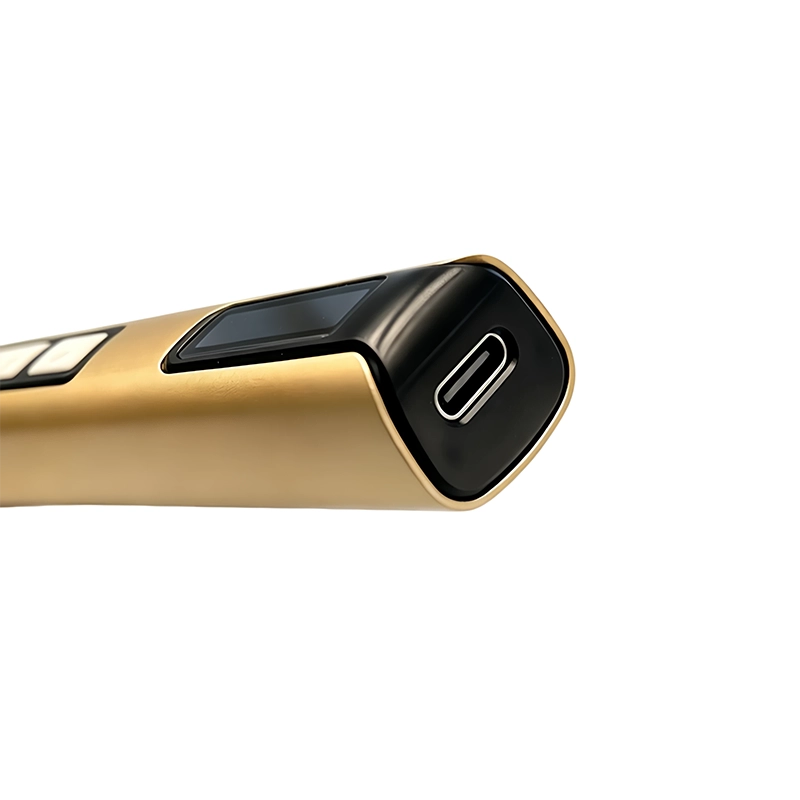
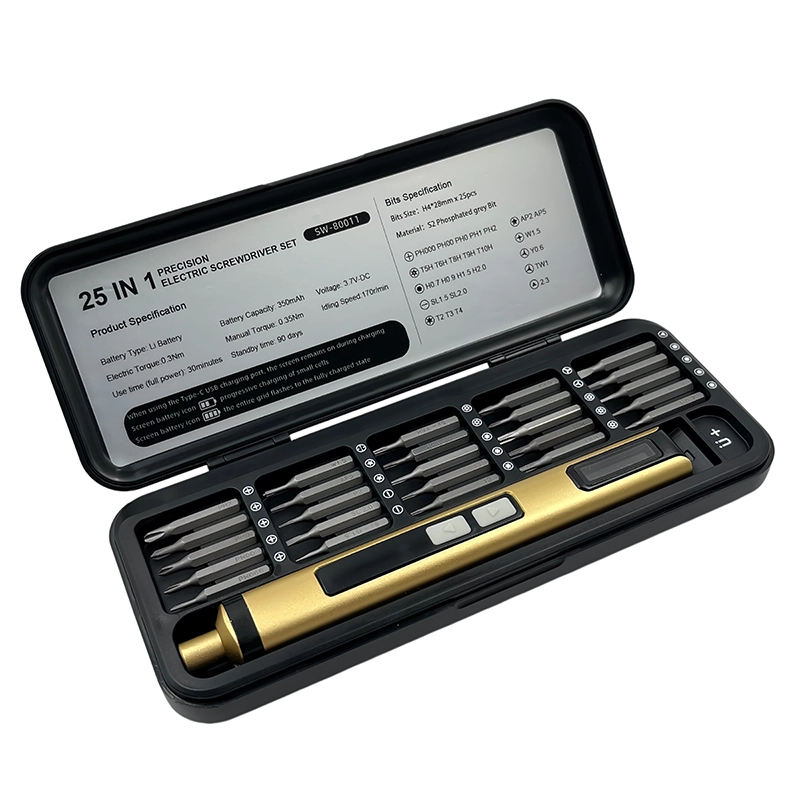
Inspect the physical driver, installed-bit behavior, charging items, indicators, case organization, labels, instructions and representative screw work as one system. Retain the approved sample and its bit map. If the motor, battery, control board, bit source, cable, case insert or instructions change, assess the effect on tablet stylus-charging rail service before the revision enters production or replaces field stock.
How should tablet stylus-charging rail service shape training and maintenance?
Training for tablet stylus-charging rail service should show the actual fixture, screw groups, parking location, hand-to-power transition and the stop signal. “Use carefully” is not a reproducible instruction. Name the bit, working length, support point, powered phase and condition that requires escalation. A second technician should be able to follow the record without relying on the first operator’s memory or an unlabelled photograph.
Maintenance records supporting tablet stylus-charging rail service should distinguish worn tips, contaminated holders, battery or control faults, abnormal sound, dropped tools, missing accessories and application damage. Trend those categories rather than calling everything a driver problem. Recurrence may point to a replacement interval, clearer label, different bit, revised fixture or supplier action. Bench evidence is more useful than adding an unsupported claim to retail copy.
What evidence supports this guidance on tablet stylus-charging rail service?
For tablet stylus-charging rail service, this guide combines the distinct customer question, a task-level failure analysis, the linked official safety or service resources and the current XOENAEN catalogue entry for XOENAEN 25-in-1 electric precision screwdriver set. It does not infer a certification, universal compatibility, customer outcome, water-resistance result or torque value absent from the product record. Representative hardware and the accountable procedure remain the approval basis.
The tablet stylus-charging rail service method ties every recommendation to an observable condition: bit engagement, axis, receiving material, workholding, powered response, stop signal and post-work acceptance. Keep photographs, sample identifiers, revisions and deviations with the decision. That record gives a buyer or technician something auditable, unlike a generic “best screwdriver” statement whose meaning changes with every device and joint.
Open magnetic parts tray compared with Location-labeled nonmixing tray for tablet stylus-charging rail service
| Approach | Best use | Primary control |
|---|---|---|
| Open magnetic parts tray | retains common screws but can rearrange small magnetic components | photograph magnet and bracket orientation |
| Location-labeled nonmixing tray | keeps screw identity and magnet orientation separate from general hardware | control loose bits and screws in labeled retention points |
- Answer the customer question for tablet stylus-charging rail service: What should a technician control when a stylus charging rail, magnet bracket and tablet edge hardware share the same work zone?
- Document the real application boundary: servicing a tablet edge rail that combines magnets, a charging coil or flex, light brackets and small screws close to the display and enclosure edge
- Verify the first control: photograph magnet and bracket orientation
- Verify the second control: control loose bits and screws in labeled retention points
- Approve representative hardware against XOENAEN 25-in-1 electric precision screwdriver set
- Retain the bit map, stop signal and revision owner for tablet stylus-charging rail service
- XOENAEN 25-in-1 electric precision screwdriver set →
- XOENAEN OEM and ODM process →
- Manufacturing and quality control →
- Read the related electric-screwdriver-tablet-speaker-module-reassembly guide →
- Read the related electric-screwdriver-rugged-tablet-rear-cover-gasket guide →
- Continue with the electric-screwdriver-tablet-usb-c-port-bracket-service topic →
- How XOENAEN presents quality evidence →
- Read the related choose-precision-electric-screwdriver guide →
How should loose screws be controlled near a tablet stylus magnet rail?
For tablet stylus-charging rail service, begin with the product boundary and this control: photograph magnet and bracket orientation. The correct answer depends on the identified device or assembly, not on a universal driver setting.
Why must tablet stylus-rail magnet orientation be recorded?
The practical reason is that loose steel hardware can jump toward magnets, while reversed orientation or a trapped flex can leave the rail attached but nonfunctional. Use brief rotation and visible checkpoints so the operator can stop before the original condition is lost.
When should the electric driver be parked during stylus-rail service?
Stop powered work on tablet stylus-charging rail service when a magnet shifts, a loose screw moves unexpectedly, the flex route is hidden or the rail rises as the first screw is seated. Preserve the condition, correct the cause and do not compensate with extra pressure, speed or repeated trigger pulses.
What verifies a stylus charging rail after reassembly?
The closing evidence for tablet stylus-charging rail service is specific: the stylus attaches in the intended orientation, charging recognition works, the tablet edge remains even and no loose hardware remains. Installed screws alone do not prove that the surrounding product, wiring, seal or mechanism was restored correctly.
What should a Western-market buyer sample for tablet stylus-charging rail service?
The buyer should approve bit retention, working length, tray design and driver parking with the actual rail orientation and supported tablet families. Keep the approved product, bit map, packaging, instructions and revision record connected to the purchase specification.
Which electric screwdriver platform is referenced for tablet stylus-charging rail service?
For tablet stylus-charging rail service, XOENAEN 25-in-1 electric precision screwdriver set is the current XOENAEN catalogue reference used in this article. It is not a claim of universal compatibility; the target hardware and complete sample still require approval.