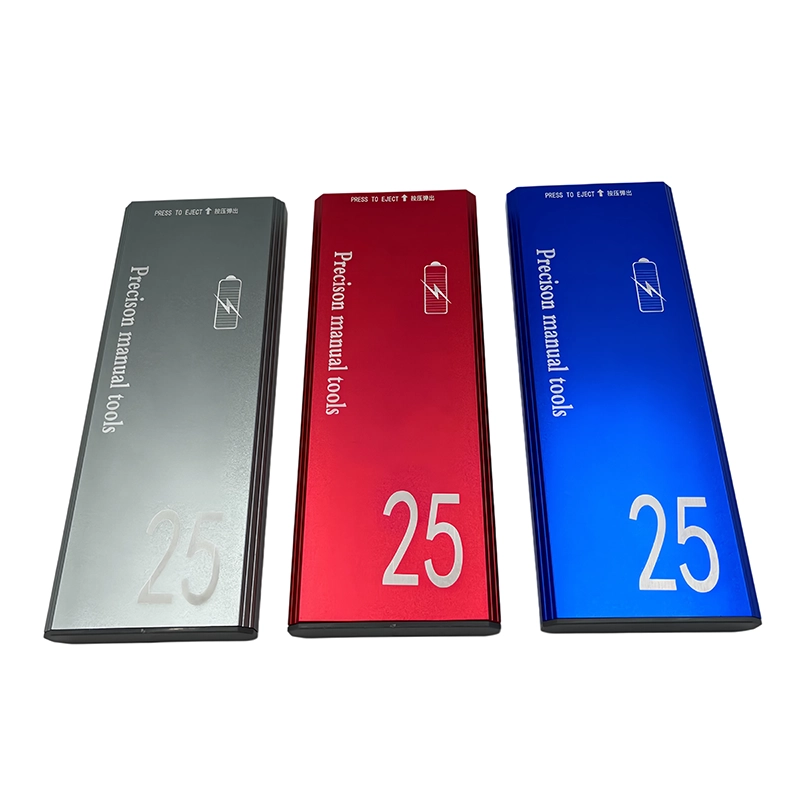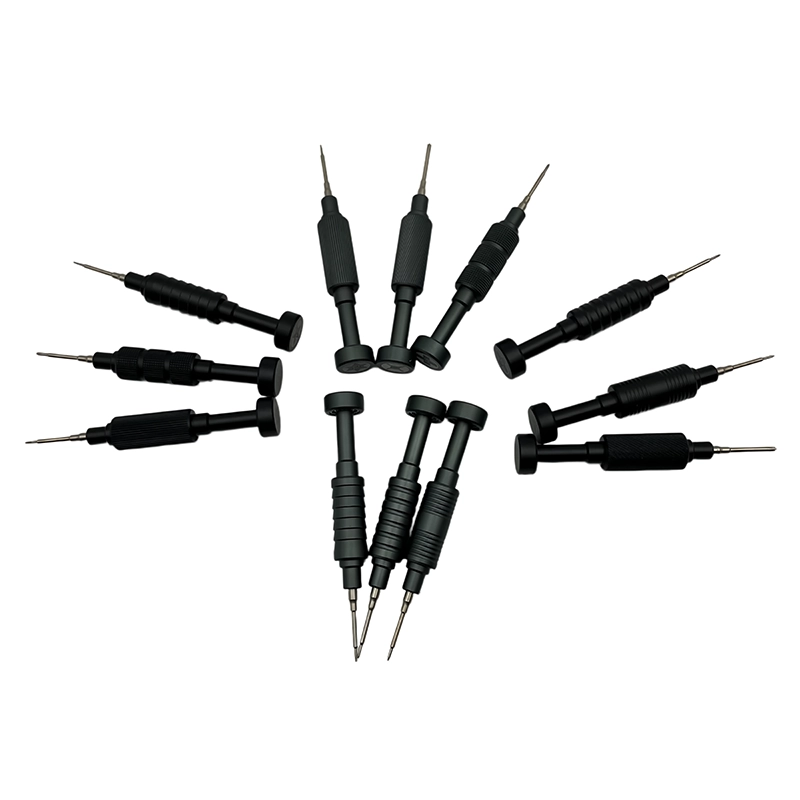
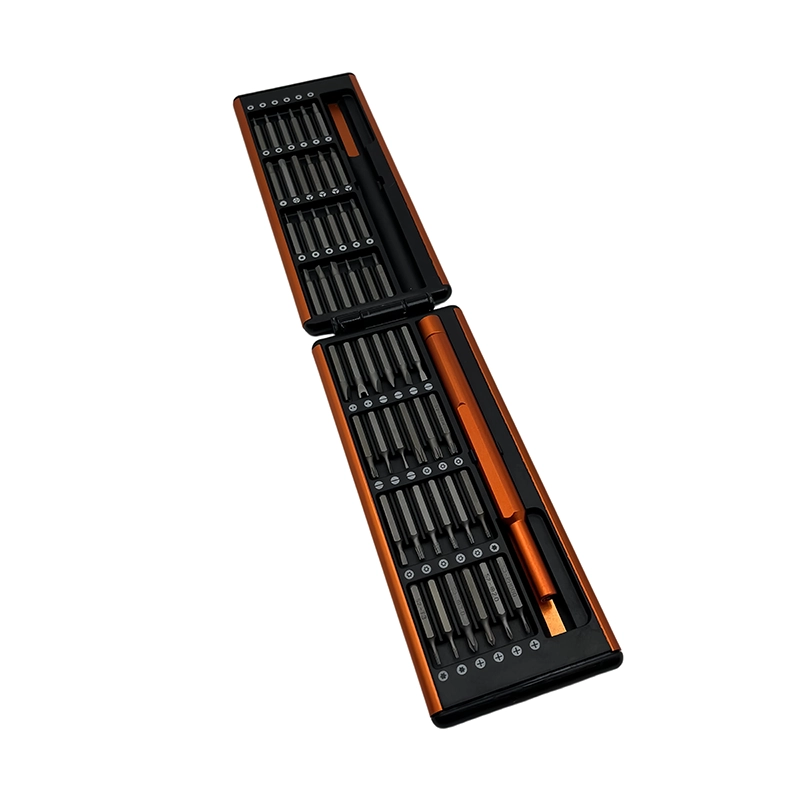
For USB-C docking station enclosure service, preserve port alignment and thermal interfaces while mapping every enclosure layer. Verify power removal, host cable, port shields, thermal pads, indicator light pipes, and screw lengths before turning. Stop when a thermal material is damaged, a port does not align freely, or the power section exceeds service scope. Keep every screw mapped by position and follow the exact product or assembly instructions.
USB-C docking station enclosure service manual screwdriver workflow
USB-C docking station enclosure service manual screwdriver workflow is the controlled method used to identify the fastener and joint, choose a fully fitting manual bit, preserve removed-hardware positions, recognize a stop condition, and verify the restored assembly without substituting extra leverage for product-specific instructions.
What must be known before USB-C docking station enclosure service?
USB-C docks place dense ports, shields, thermal pads, controller boards, fixed or detachable cables, and metal or plastic shells in a compact enclosure. The outer shell can act as both structure and heat spreader. The first planning decision for USB-C docking station enclosure service is therefore not the size of the case or the advertised piece count. It is the boundary of the job: which assembly may be opened, which energy sources must be isolated, what information must be preserved, and which condition requires escalation. Read the current maker instructions for the exact model, because a nearby model can use another screw length, cable path, seal, or release order even when the exterior looks familiar.
Write the question “How should a manual driver be used around a USB-C dock enclosure, ports, thermal pads, and cable strain relief?” at the top of the work record for USB-C docking station enclosure service. That wording keeps the task connected to a customer decision instead of a generic claim about tools. Record device or assembly identity, revision, visible condition, power state, fastener map, and the expected completion check. A bench photograph is useful only when it is labeled and linked to the correct unit; it should complement, not replace, a position map and a count of loose components.
Which joint and tool factors control USB-C docking station enclosure service?
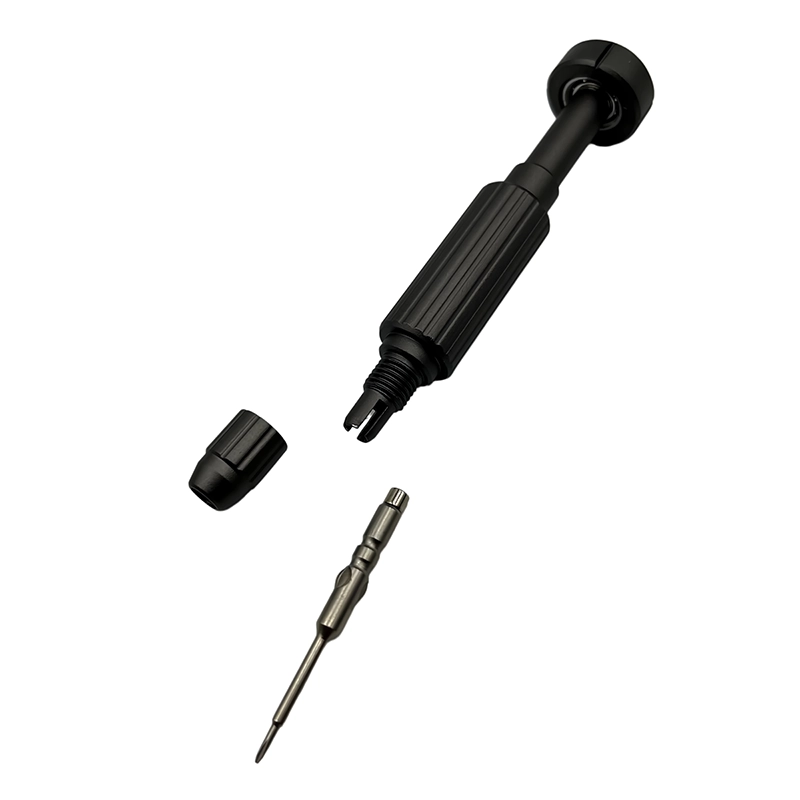
Bit fit, shell seam, port alignment, light-pipe position, thermal pad thickness and location, strain relief, shield contact, and board-standoff height determine controlled reassembly. In USB-C docking station enclosure service, these factors interact. A correct profile can still fail when a worn bit sits shallowly, a long shaft is tilted, or a high-leverage handle conceals the first sign of binding. Conversely, a compact handle cannot rescue a mismatched recess. Inspect both the bit and fastener under adequate light, clean only by an approved method, seat the bit without torque, and reject rocking, bottoming, or contact with adjacent surfaces before applying hand force.
Manual feedback is valuable during USB-C docking station enclosure service, but it is not a torque measurement or proof of clamp load. Friction, coating, reuse, contamination, plastic relaxation, washer condition, and operator posture can all change perceived resistance. Use the specified tightening method whenever a maker or engineering drawing provides one. Where no value is published, restore the known hardware to its mapped location and documented seated condition; do not invent a universal “finger-tight” number or claim that one handle setting suits every material.
What failure pattern should stop USB-C docking station enclosure service?
A displaced thermal pad can change temperatures, while a misaligned port shield or overlong screw can stress connectors and board layers. The explicit stop condition for USB-C docking station enclosure service is: a thermal material is damaged, a port does not align freely, or the power section exceeds service scope. A stop is a quality control, not an incomplete repair. Preserve the evidence by leaving the fastener and surrounding parts unchanged, note the direction and stage at which the condition appeared, quarantine damaged bits or unknown screws, and seek the maker’s procedure or an authorized decision. Repeated attempts erase geometry, mix wear patterns, and can turn an identifiable mismatch into an extraction problem.
Distinguish symptom, observation, and cause when reporting a problem in USB-C docking station enclosure service. “The screw did not move” is an observation; corrosion, adhesive, wrong profile, cross-threading, hidden retention, and an incorrect service assumption are different hypotheses. Record the bit identity, seating depth, applied method, work support, and visible condition without claiming a root cause that was not demonstrated. This separation gives an OEM, repair lead, or supplier enough information to decide whether the next action involves another tool, another process, or no further disassembly.
How should USB-C docking station enclosure service be staged step by step?
Disconnect every cable and supply, allow cooling, photograph ports and thermal interfaces, map shell and board screws, preserve pads without contamination, route strain relief, and test all intended ports after closure. Treat that sequence as a set of gates for USB-C docking station enclosure service. At each gate, reconcile the screw count, verify that no wire, spring, seal, washer, or spacer has moved unexpectedly, and photograph only the details the next step could conceal. Use separate labeled zones for removed layers. If the assembly contains both plastic-forming and machine screws, keep them physically separated even when their heads accept the same bit, because thread identity belongs to the receiving feature rather than to the head profile.
Before closure in USB-C docking station enclosure service, reverse the removal map rather than relying on a pile of parts. Start each fastener by hand with the surfaces naturally aligned; a screw must not be used to drag a cover, board, bracket, or insert into position. Leave multiple screws loose until alignment and cable clearance are visible, then use the specified sequence. Finish with the functional, visual, electrical, sealing, or movement check relevant to the assembly and document any condition that differs from the original baseline.
How does a real example change the plan for USB-C docking station enclosure service?
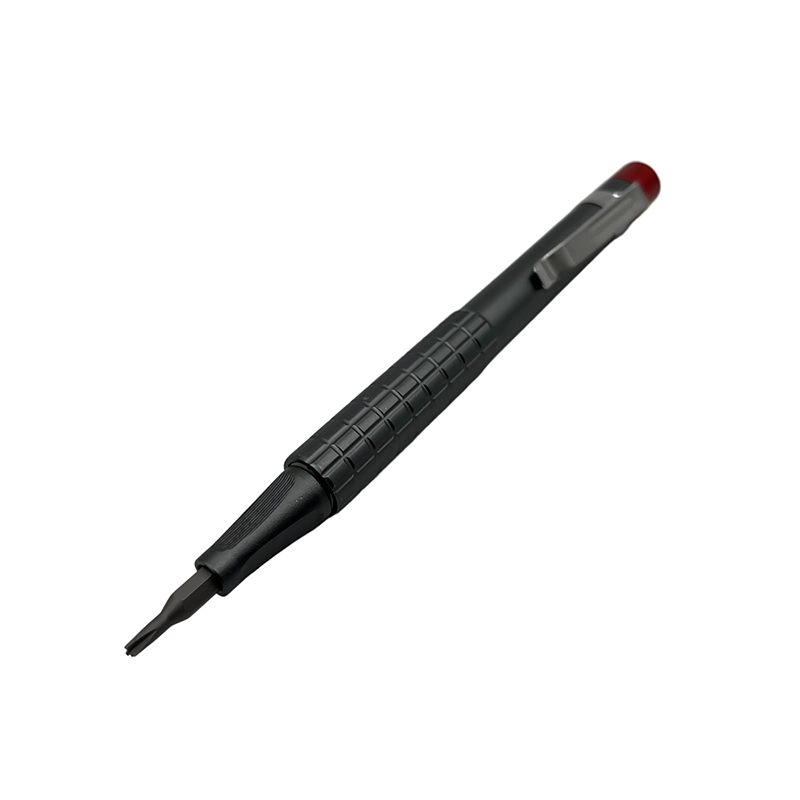
When replacing a fixed host cable, preserve strain-relief geometry and shield contacts, then test power, data, video, network, and audio functions supported by that exact dock. This example makes USB-C docking station enclosure service concrete because it names the object, the information to preserve, and the check required before closure. A credible field example should not imply an unpublished test result or a customer endorsement. It should explain the observable condition and the reasoning path: identify the joint, select the matching tool, support the work, map removed items, watch for the stop condition, and confirm the assembly’s intended function after restoration.
If the example is repeated during a sample review for USB-C docking station enclosure service, use representative fasteners and access geometry from the intended product. Record whether each candidate bit seats fully, whether the holder remains straight, whether the case makes the correct bit easy to identify, and whether the operator can stop before damage. Repeatability means that the written method can be followed by another trained person and produces comparable observations; it does not justify a certification, service-life number, or compatibility claim beyond the evidence collected.
Which options should buyers compare for USB-C docking station enclosure service?
For USB-C docking station enclosure service, compare the first option “Manual precision set,” used for Shell, board, and strain-relief screws, with “Long-bit extension,” used for Deep end-cap access. The first carries this limitation: Needs thermal and ESD control. The second carries this one: Can contact port edges if tilted. A third reference, “Powered driver,” is associated with Qualified production rework and must be judged against the warning that May distort light metal threads. These are decision categories, not universal performance rankings.
A buyer checklist for USB-C docking station enclosure service should require the exact target fasteners, profile and size map, short and long access needs, holder runout or stability, handle leverage, visible bit labeling, case retention, replacement-bit availability, and sample acceptance method. Add power removal, host cable, port shields, thermal pads, indicator light pipes, and screw lengths to the application trial. Count only delivered pieces and verify every material or compatibility claim against the released SKU. A supplier sample should reproduce the intended task; turning an unrelated demonstration screw does not establish access, fit, control, durability, or safe use in the customer’s assembly.
What should an OEM brief require for USB-C docking station enclosure service?
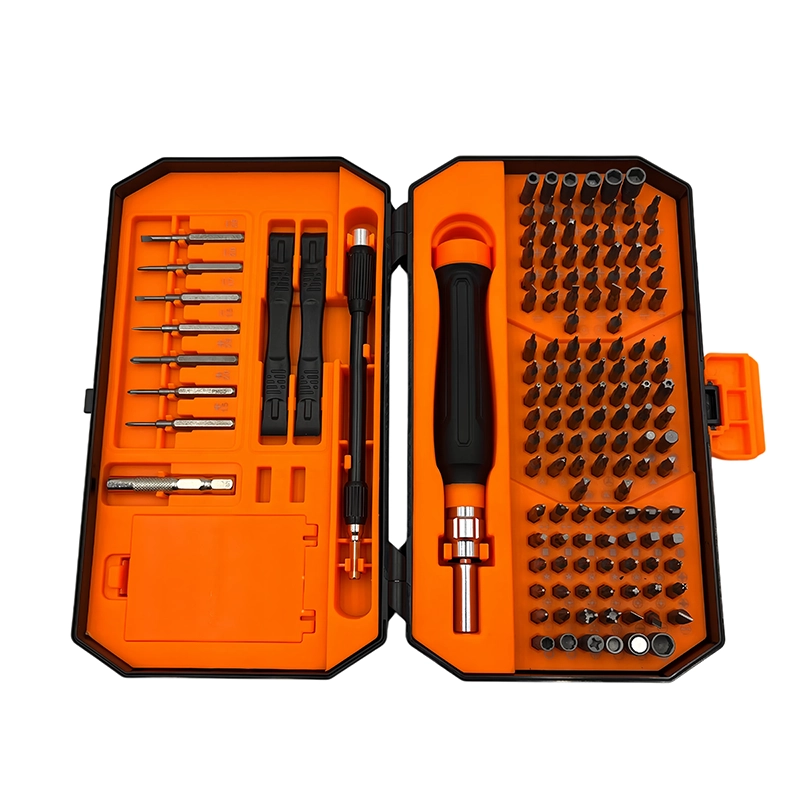
Dock-service kits should include exact shell profiles, ESD workflow, thermal-interface maps, port-safe shaft access, and a complete functional test plan. Convert that requirement into controlled fields for USB-C docking station enclosure service: target market and user, representative devices or fasteners, bit map, materials tied to the released SKU, handle and holder requirements, accessory list, case layout, markings, packaging languages, sample method, acceptance criteria, order quantity, and revision control. Ask the supplier to identify assumptions and exclusions. A private-label color or logo should be approved only after the working platform and product contents have been frozen.
Catalog evidence for this USB-C docking station enclosure service guide is limited to the current XOENAEN record for the 132-in-1 manual screwdriver set. That record establishes that the named platform exists in the present catalog; it does not prove that every device, fastener, material, or scenario discussed here has been factory-tested with that set. During sourcing, compare the catalog configuration with the buyer’s own fastener matrix and application sample. Any changed bit map, material, marking, case, or package should receive a new documented approval rather than inheriting evidence from a previous revision.
When is USB-C docking station enclosure service complete and verifiable?
Completion for USB-C docking station enclosure service requires more than reinstalling the visible screws. Reconcile all parts, confirm natural alignment and uniform seams, check that cables and moving parts remain clear, verify the required safety or functional state, and record any replaced fastener or deviation. Where the product maker specifies calibration, leak testing, electrical safety verification, or software checks, those steps remain part of completion and may require qualified equipment. A clean exterior cannot substitute for those controls, and this guide does not expand a user’s authorized service boundary.
Dock fastening closes a thermal and connector-alignment stack; case seating alone does not prove correct internal contact. The practical engineering insight for USB-C docking station enclosure service is to preserve information and geometry before adding force. This guide was prepared from the present XOENAEN catalog record, the cited official safety or quality resources, and the specific mechanical factors stated in each section. No unpublished certification, laboratory result, customer case, or universal compatibility claim is assumed. The recommended decision is to validate the selected manual screwdriver platform with the exact fasteners and assembly conditions before purchase, repair rollout, or mass-production approval.
Manual Screwdriver Planning for USB-C Docking Station Service: practical option comparison
| Option | Appropriate use | Decision limit |
|---|---|---|
| Manual precision set | Shell, board, and strain-relief screws | Needs thermal and ESD control |
| Long-bit extension | Deep end-cap access | Can contact port edges if tilted |
| Powered driver | Qualified production rework | May distort light metal threads |
- Confirm the exact customer question for USB-C docking station enclosure service: How should a manual driver be used around a USB-C dock enclosure, ports, thermal pads, and cable strain relief?
- Map power removal, host cable, port shields, thermal pads, indicator light pipes, and screw lengths on representative assemblies.
- Approve the complete profile, size, and shaft-reach list for USB-C docking station enclosure service.
- Verify handle leverage and holder stability without overriding this stop rule: a thermal material is damaged, a port does not align freely, or the power section exceeds service scope.
- Check bit labels, case retention, replenishment, and revision identity for the 132-in-1 manual screwdriver set.
- Define a sample method, observations, and acceptance decision for USB-C docking station enclosure service.
- Keep packaging, listing, manual, and delivered-SKU claims synchronized.
- 132-in-1 manual screwdriver set product details →
- Plan an OEM or private-label tool project →
- Review manufacturing and quality controls →
- Read XOENAEN tool and sourcing FAQs →
- Manual Screwdriver Workflow for Aquarium Controller Service →
- Manual Screwdriver Guide for KVM Switch and Console Service →
- Continue with the manual-screwdriver-webcam-privacy-shutter-board topic →
- How XOENAEN presents quality evidence →
What must be confirmed before USB-C docking station enclosure service begins?
Confirm power removal, host cable, port shields, thermal pads, indicator light pipes, and screw lengths first. For USB-C docking station enclosure service, the job should remain inside the documented service or assembly boundary, with the workpiece supported and every fastener position identified before the first turn.
Which screwdriver feature matters most for USB-C docking station enclosure service?
Exact recess engagement matters most for USB-C docking station enclosure service. Handle size, shaft reach, and case organization should then support the access and control described by this task: Bit fit, shell seam, port alignment, light-pipe position, thermal pad thickness and location, strain relief, shield contact, and board-standoff height determine controlled reassembly.
When should a technician stop USB-C docking station enclosure service?
Stop immediately when a thermal material is damaged, a port does not align freely, or the power section exceeds service scope. That condition removes the evidence needed for a controlled decision, so more leverage or repeated turning should not be used as a substitute for diagnosis.
How should removed screws be organized during USB-C docking station enclosure service?
Organize screws by exact position and removal layer during USB-C docking station enclosure service. Record length, washer or spacer order, and any visually similar fasteners separately so reassembly does not depend on memory or approximate appearance.
Can a large bit count guarantee safe USB-C docking station enclosure service?
No, a large bit count cannot guarantee safe USB-C docking station enclosure service. The useful set is the one that proves the required profiles, sizes, reach, holder stability, instructions, and replacement path for this specific work.
What should a buyer test when sourcing tools for USB-C docking station enclosure service?
Test representative access, recess fit, hand control, organization, and the documented stop rule for USB-C docking station enclosure service. The sample review should also confirm Dock-service kits should include exact shell profiles, ESD workflow, thermal-interface maps, port-safe shaft access, and a complete functional test plan.