Product knowledge

Useful decisions. Better tool projects.

Practical product, OEM/ODM and quality guidance grounded in the tools and project work shown across this site.

Electric Screwdriver Spare Parts Service Plan; XOENAEN 53-in-1 precision electric screwdriver set shown as a product configuration referenceOctober 30, 2026Electric Screwdriver Spare Parts Service PlanRead article →
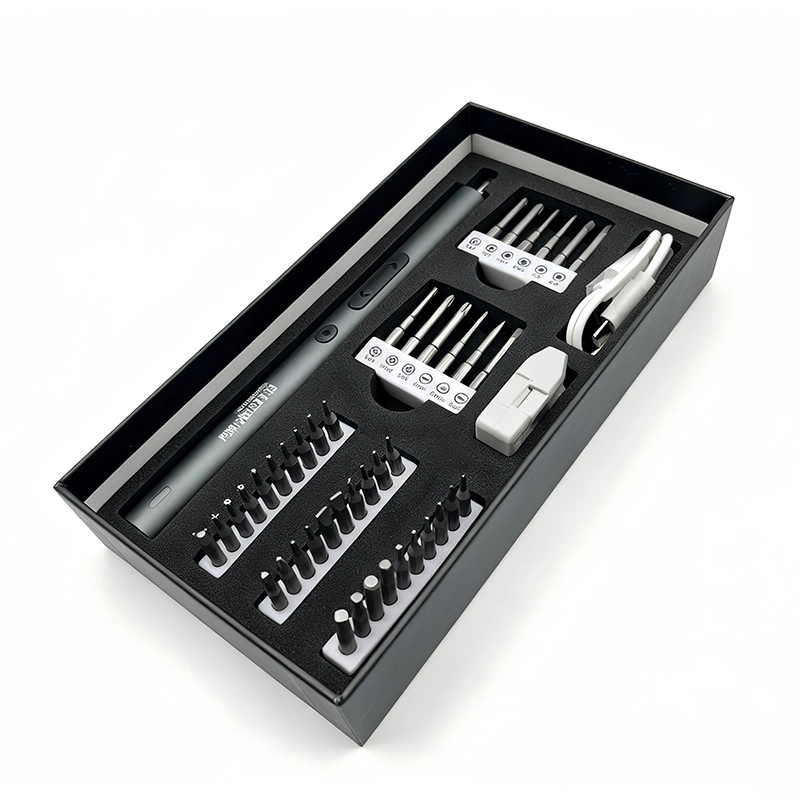
068XOENAEN 25-in-1 electric precision screwdriver set catalogue view selected for the phone wireless-charging coil and NFC retainer service planning guide 1
August 31, 2026 · XOENAEN Product & Application Team

Wireless-Charging and NFC Retainer Work with an Electric Driver

Use an electric screwdriver near a phone wireless-charging coil only after the exact retainer screws, bit profile, cable route and safe device state are confirmed. Support the housing, keep magnetic hardware mapped, and stop power before any bracket begins clamping the flex. Finish by hand, then inspect coil seating, connector routing, enclosure fit and the model-specific charging and NFC checks.

Read article →
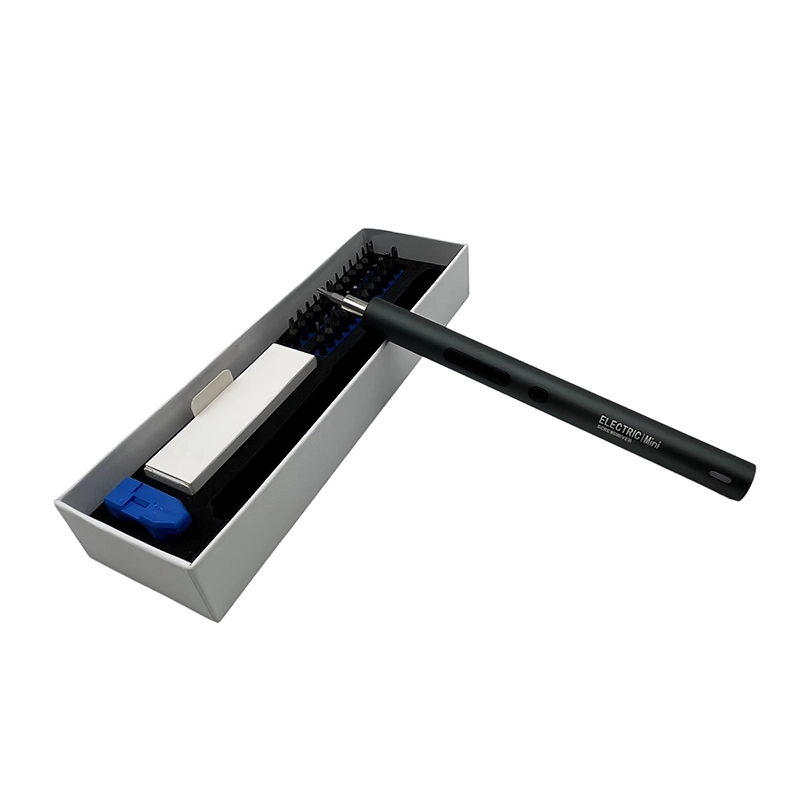
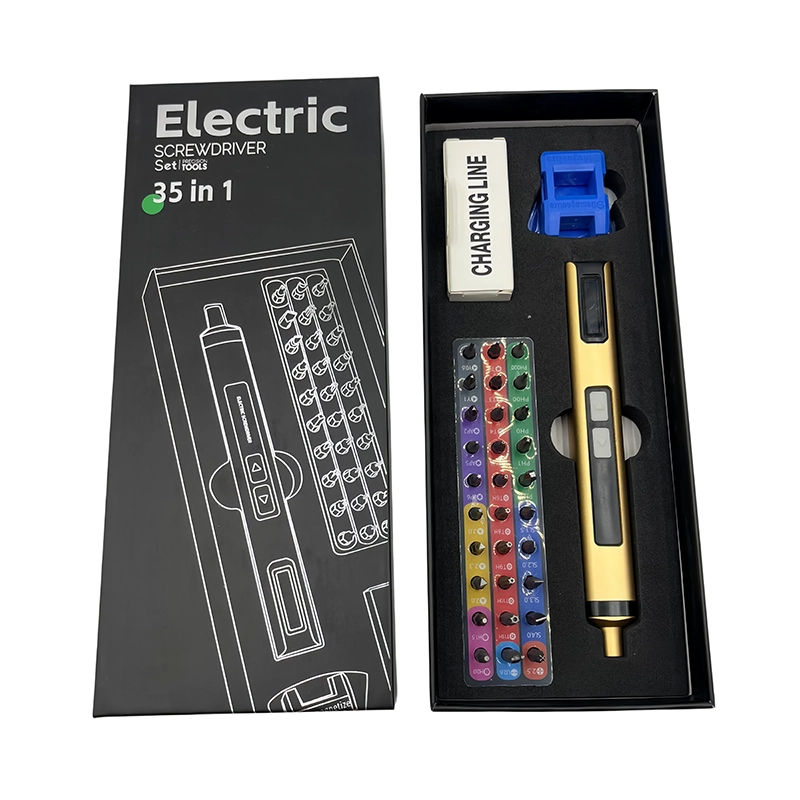
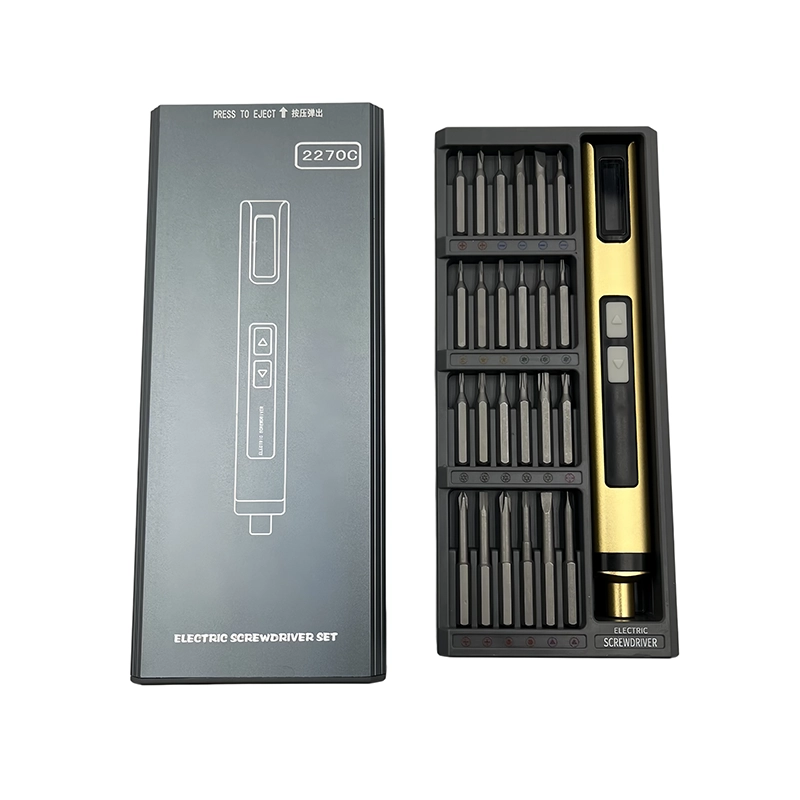
069XOENAEN 28-in-1 electric mini screwdriver set catalogue view selected for the phone side-button flex and bracket service planning guide 2
August 31, 2026 · XOENAEN Product & Application Team

Phone Side-Button Flex Brackets: Where Powered Rotation Stops

For a phone side-button bracket, use powered rotation only after the button flex, locating tabs and mapped screws are visibly aligned and each thread has started by hand. Stop before the bracket clamps the flex or button carrier. Complete seating manually, then check cable clearance, button travel, tactile response and enclosure gaps according to the exact phone service procedure.

Read article →
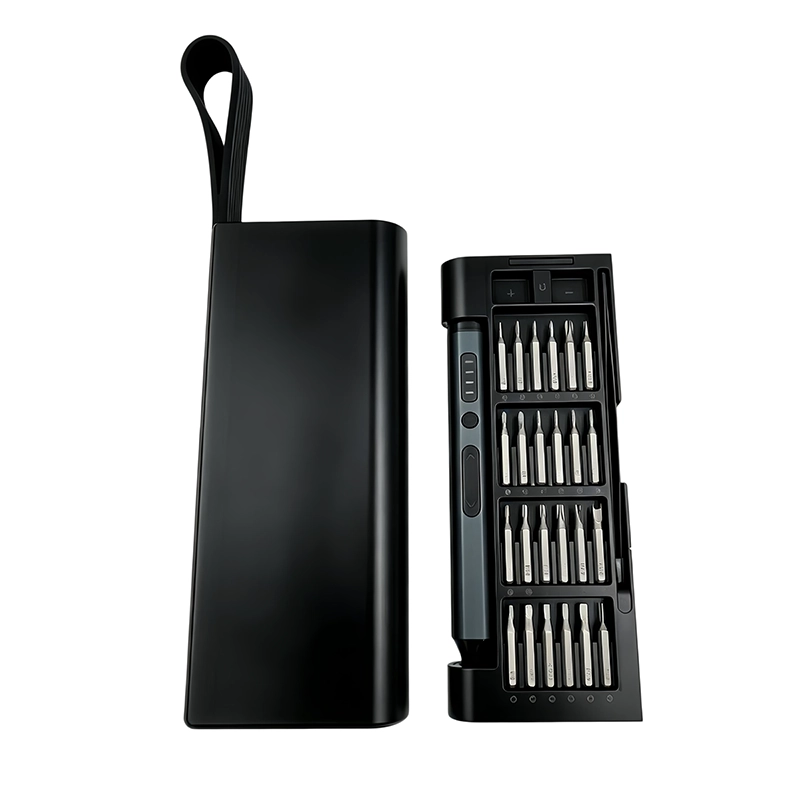
070XOENAEN 35-in-1 electric screwdriver set catalogue view selected for the phone SIM-reader and antenna-shield service planning guide 3
August 31, 2026 · XOENAEN Product & Application Team

SIM-Reader and Antenna-Shield Service with Controlled Screw Travel

Use an electric screwdriver on a phone SIM-reader shield only after the tray is removed as directed, power is isolated, and every shield screw and antenna contact is mapped. Confirm bit engagement by hand, use short removal runs, and park the driver before board handling. Reassemble in the documented order, then inspect contacts, tray movement, enclosure fit and cellular recognition for the serviced model.

Read article →
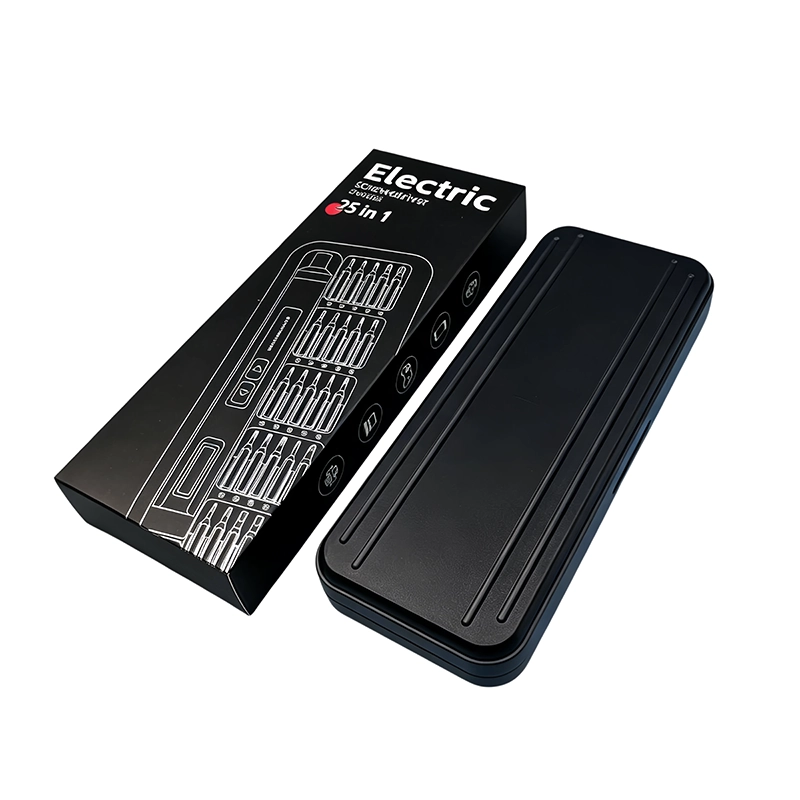
071XOENAEN 44-in-1 electric screwdriver set catalogue view selected for the phone periscope-camera retainer service planning guide 4
August 31, 2026 · XOENAEN Product & Application Team

Periscope-Camera Retainers: A Careful Electric-Driver Workflow

A phone periscope-camera retainer should receive powered screw travel only after the exact service procedure identifies the module, fasteners and safe access direction. Support the frame, map each bracket screw, and keep the driver away from lenses, magnets and flex handling. Stop before final clamp load, finish manually, and complete the model’s camera, focus, stabilization and enclosure checks.

Read article →
072XOENAEN 50-in-1 electric screwdriver set catalogue view selected for the phone top-speaker acoustic bracket service planning guide 5
August 31, 2026 · XOENAEN Product & Application Team

Top-Speaker Acoustic Bracket Service without Disturbing Seals

For a phone top-speaker bracket, seat the speaker, gasket and sensor-area parts before any powered fastening. Map the bracket screws, start them by hand and use only verified free travel while the frame is supported. Stop before clamp load, inspect the acoustic path and cable clearance, then finish manually and perform the phone maker’s audio, sensor, call and enclosure checks.

Read article →
073XOENAEN 53-in-1 adjustable electric screwdriver set catalogue view selected for the tablet keyboard-dock and pogo-pin bracket service planning guide 6
August 31, 2026 · XOENAEN Product & Application Team

Tablet Keyboard-Dock Brackets: Protecting Pogo Pins in Service

For a tablet keyboard-dock bracket, align the pogo-pin module, magnets and rear housing before starting any screw. Map left and right hardware, start every thread manually, and use short balanced powered travel only after contact alignment is visible. Finish by hand, then verify bracket flatness, pin movement, magnetic attachment, keyboard recognition, charging behavior and enclosure fit for the exact tablet.

Read article →

Project inquiry

Bring us the brief.

Share your product, market, quantity and customization requirements. Our project team will reply with the right next step.