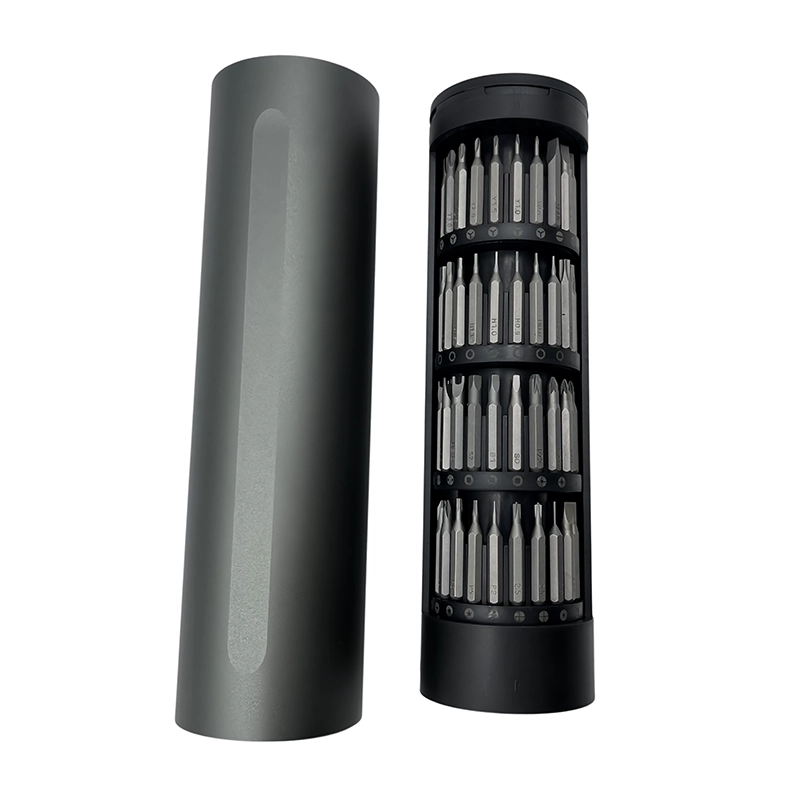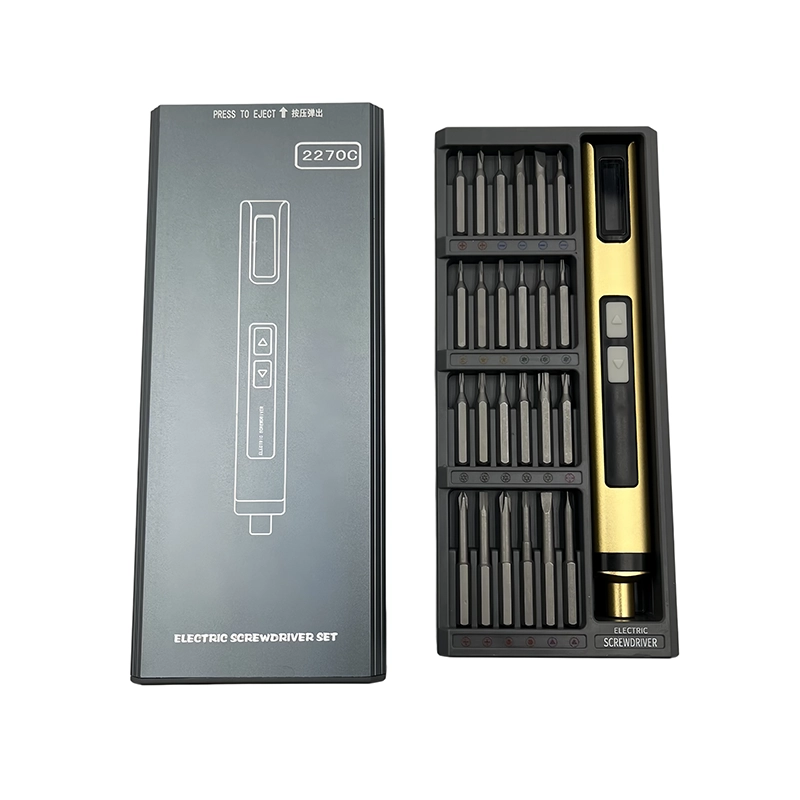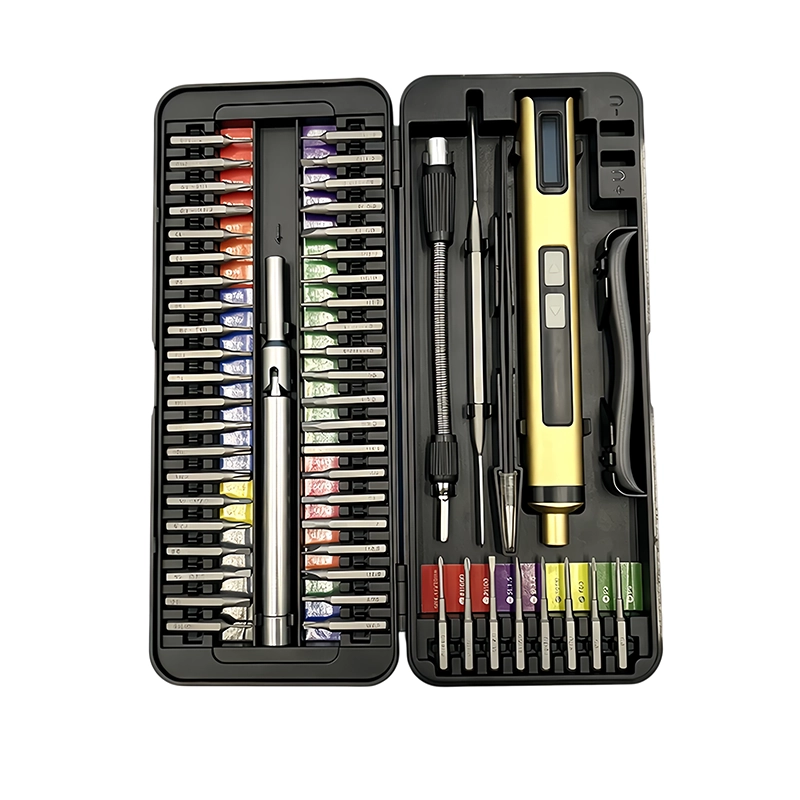
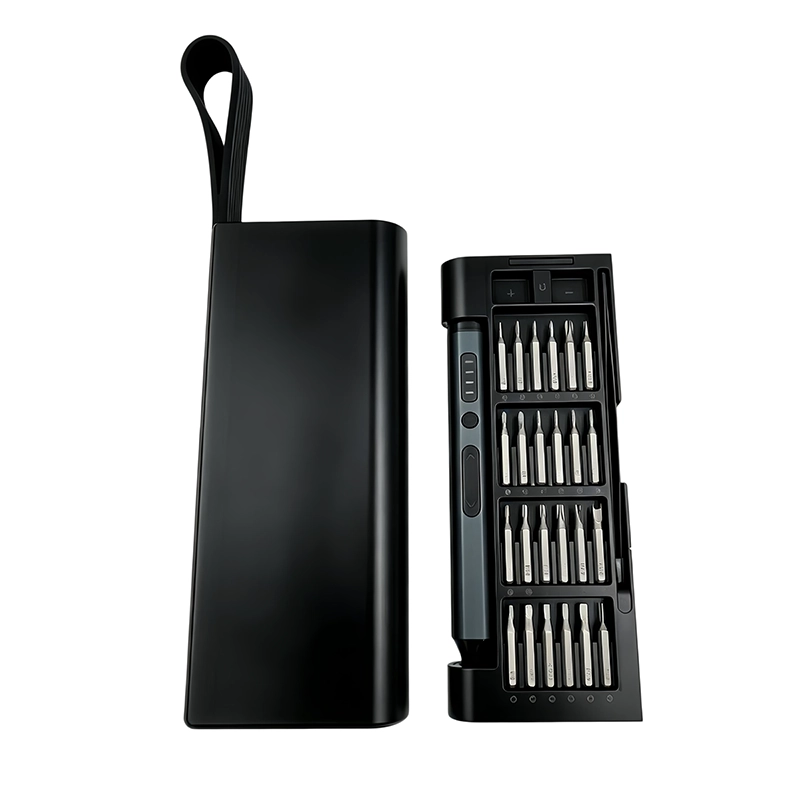
One compact electric screwdriver can support Mini PC SSD and memory upgrades when its bits match both enclosure and retention screws. Isolate power, verify recessed reach and keep the driver outside the exposed-board zone during module handling. Use power for confirmed free travel, hand-start the M.2 screw and check module seating, antenna leads and case clearance before closing.
Mini PC upgrade screw plan
a staged map for enclosure, drive-retention and shield screws that also defines when the powered tool leaves the exposed-board work area.
The practical setting for Mini PC SSD and memory upgrades is opening a small computer with deeply recessed case screws, an M.2 retention screw, compact memory latches and nearby antenna leads. This article treats the powered driver as one controlled element in a larger repair, assembly or approval system. The goal is not maximum trigger time. The goal is to preserve thread condition, device evidence and a repeatable handoff from preparation through final verification.
Can one compact electric screwdriver safely cover Mini PC case, SSD and memory-access fasteners?
Can one compact electric screwdriver safely cover Mini PC case, SSD and memory-access fasteners? For Mini PC SSD and memory upgrades, the useful answer begins with the service or assembly boundary, not with motor speed. Mini PC upgrade screw plan means a staged map for enclosure, drive-retention and shield screws that also defines when the powered tool leaves the exposed-board work area. The operator must distinguish verified fastener travel from diagnosis, prying, drilling, calibration and electrical work that belongs to a different procedure. This boundary keeps the powered driver in the part of the task where repetitive rotation is useful and observable.
A sound Mini PC SSD and memory upgrades decision also separates removal, free travel, thread engagement and final seating. Those phases do not carry the same risk. Removal may begin only after bit fit and support are proven. Free travel can often use controlled power. Thread engagement needs clear feedback, and final seating follows the product-specific instruction. Treating the entire joint as one trigger pull removes the inspection points that reveal a wrong screw, damaged thread or trapped component.
Why can Mini PC SSD and memory upgrades fail even when the bit appears to fit?
The central failure path in Mini PC SSD and memory upgrades is that poor reach can tilt the bit, while a dropped retention screw or powered tool near the board can damage connectors or displace antenna wiring. A tip can enter a recess and still be the wrong size, worn, too short or poorly aligned. Before powered travel, verify that the bit reaches its designed depth, does not rock and clears adjacent parts. Observe the screw from a second angle whenever the housing, fixture or operator's hand can hide side load.
For Mini PC SSD and memory upgrades, the four application controls are specific: confirm case-screw reach before pressing into a deep recess; park the driver and account for loose metal before handling modules; start the M.2 retention screw by hand without forcing the module; and inspect antenna leads, thermal pads and cable paths before the case closes. Each control blocks a different error path. No single claim about torque, runtime, steel grade or accessory count replaces them. If one control cannot be demonstrated on representative hardware, the task remains unapproved even when the driver runs normally on an unloaded bench.
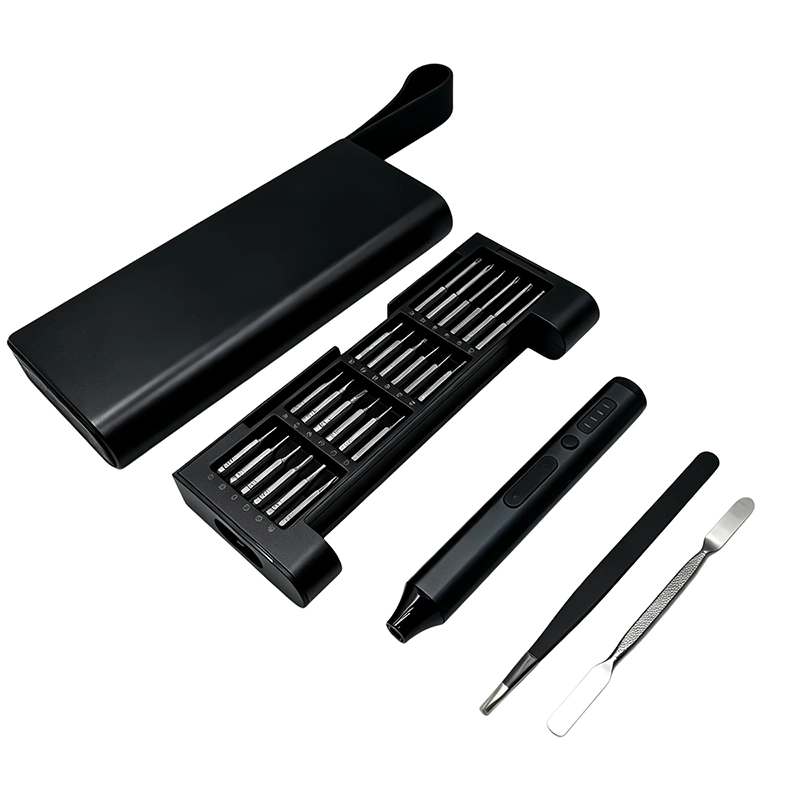
How should a bench be prepared for Mini PC SSD and memory upgrades?
Preparation for Mini PC SSD and memory upgrades starts with this action: Identify the Mini PC model and approved power-down sequence Then Prepare separate locations for case, shield and module-retention screws Place the powered driver in a defined parking location and give removed hardware a separate, labeled area. A clean boundary prevents the tool, loose bit or customer screw from migrating into an exposed assembly. When batteries, boards, optics, seals or calibrated mechanisms are present, record exactly when the powered tool must leave the immediate work zone.
The fixture for Mini PC SSD and memory upgrades should support the structure close to the fastener without blocking visibility. Photograph original routing and screw locations before anything moves. Clean the recess with a method approved for the product, inspect the candidate bit and quarantine damaged hardware. These steps take less time than recovering a stripped recess or investigating a mystery screw after reassembly.
What operating sequence works for Mini PC SSD and memory upgrades?
The controlled sequence for Mini PC SSD and memory upgrades is staged. First, Identify the Mini PC model and approved power-down sequence Second, Prepare separate locations for case, shield and module-retention screws Third, Remove enclosure hardware with a supported chassis and aligned bit The first powered movement should be brief enough to stop while the original condition is still visible. Keep the driver aligned with the screw axis, avoid using the bit as a lever and release the control before repositioning the work.
Continue Mini PC SSD and memory upgrades by following these closing steps: Park the tool before installing memory or storage modules Finally, Hand-start retention hardware and complete detection, thermal-pad and enclosure checks Account for every bit, screw, spacer and temporary fixture before power or function is restored. If the receiving thread does not accept the screw naturally, back out and investigate. Repeated trigger pulses are not a substitute for identifying contamination, wrong pitch, cross-threading or a shifted joint stack.
Which two approaches should be compared for Mini PC SSD and memory upgrades?
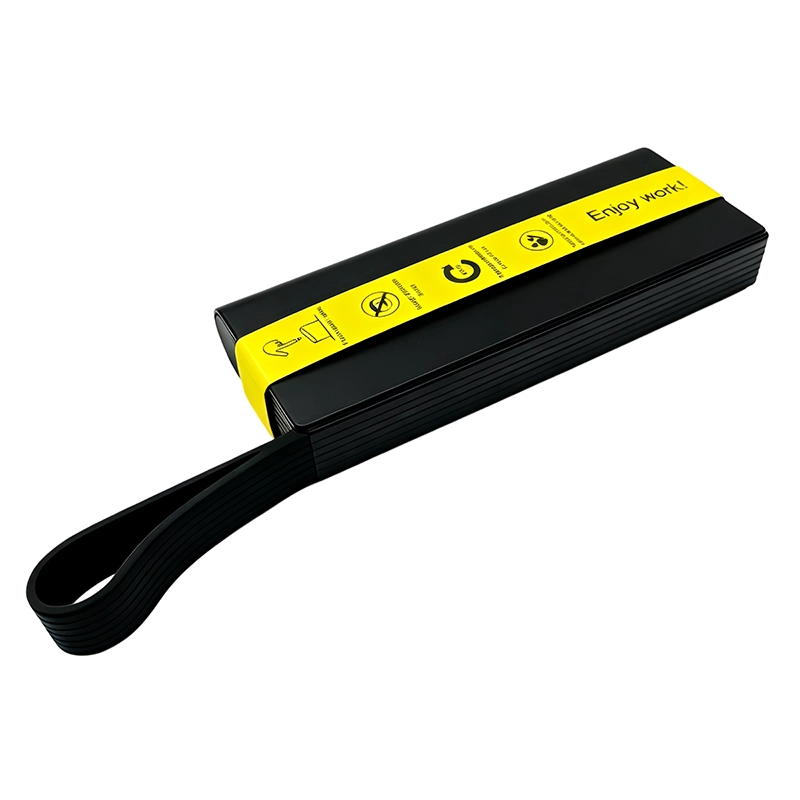
For Mini PC SSD and memory upgrades, Single compact kit is best understood this way: reduces bench clutter when every required profile and reach has been verified. By comparison, Separate enclosure and board tools is best understood this way: can create a clearer boundary between powered case work and delicate module handling. Neither label is automatically safer or faster. Choose from access, screw condition, receiving material, cycle count, operator visibility and the cost of a mistake. Record why the selected approach fits this exact application instead of copying a setting from an unrelated device.
Select the tool arrangement from the board-zone boundary and screw reach, not from the desire to use one driver for every step. That recommendation for Mini PC SSD and memory upgrades turns a broad tool feature into a documented decision. During sample review, evaluate the installed bit, actual hardware, workholding and operator sequence together. A free-spinning demonstration can show that the motor works, but it cannot prove control at a shallow recess, plastic boss, threaded insert, gasketed joint or crowded electronic assembly.
What stop rule protects Mini PC SSD and memory upgrades?
The explicit stop signal for Mini PC SSD and memory upgrades is: the bit rubs the recess wall, a module lifts, an antenna lead moves or the retention screw does not enter freely by hand. At that point, release the trigger, keep the original condition visible and decide whether the bit, screw, thread, fixture or procedure needs correction. Do not add downward force or speed simply because the expected movement did not occur. A stop rule is useful only when every operator can recognize it before damage becomes the new condition.
Acceptance for Mini PC SSD and memory upgrades is equally concrete: memory and storage are detected, modules sit correctly, antenna and thermal parts remain placed, and the case closes without force Check the surrounding assembly, not only the screw head. Enclosures should settle without forced gaps, moving parts should retain clearance, cables and seals should remain in their documented positions, and any required functional or calibration check should follow the accountable maker's procedure. Record exceptions rather than hiding them under final assembly.
What should a buyer specify for Mini PC SSD and memory upgrades?
For Mini PC SSD and memory upgrades, test enclosure recesses, M.2 bit fit, low-speed start, parking and hardware storage on the Mini PC platforms named in the service scope. The RFQ should name target devices or joints, screw profiles and sizes, working lengths, expected daily cycles, charging pack-out, case layout, manual languages and sample quantity. Compatibility claims need a model list and an approval method. Numerical claims need the test condition, sample count, acceptance limit and record owner.
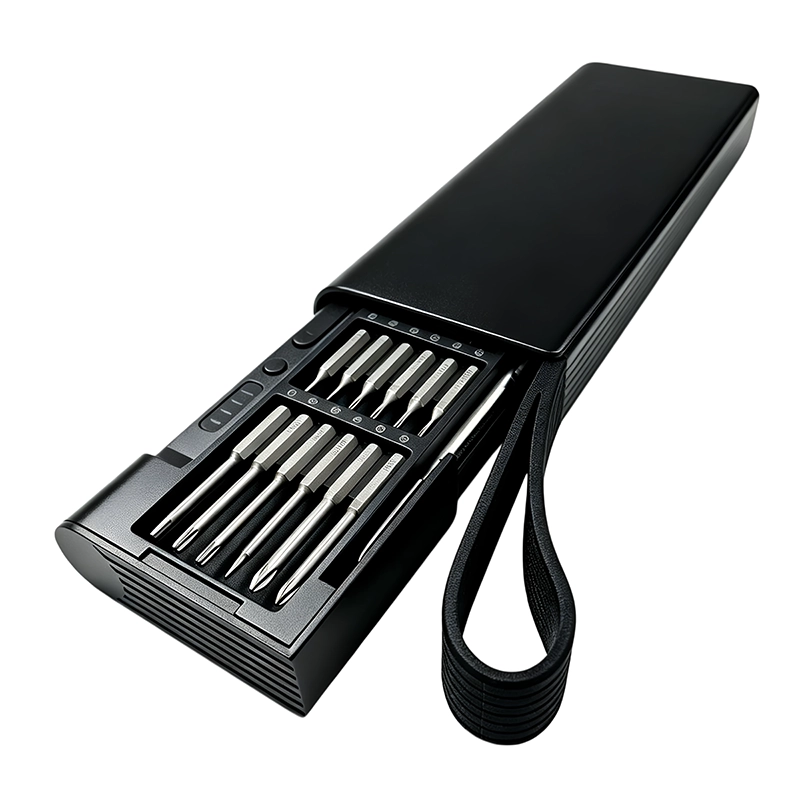
The sample plan for Mini PC SSD and memory upgrades should inspect appearance, controls, bit fit, installed-bit behavior, charging, indicator states, case organization, labels, instructions and representative screw work. Retain the approved sample and its bit map. If the motor, battery, control board, cable, bit source, case insert or instruction changes, assess the effect before the revised item enters production or replaces field stock.
How should Mini PC SSD and memory upgrades influence maintenance and training?
Training for Mini PC SSD and memory upgrades should show the real fixture, screw groups, parking location, hand-to-power transition and stop signal. “Use carefully” is not an instruction. A repeatable instruction names the profile, working length, support point, rotation phase and condition that requires escalation. Supervisors can then observe the process and separate a tool problem from a mapping, material, training or product-design problem.
Maintenance records for Mini PC SSD and memory upgrades should distinguish worn bits, holder contamination, control faults, charging issues, abnormal sound, dropped tools and application damage. Trend the categories rather than combining them as “driver problems.” A recurring pattern may call for a replacement interval, clearer label, different accessory, revised fixture or supplier corrective action. Evidence from the workbench is more valuable than adding unverified claims to the package.
What evidence supports guidance for Mini PC SSD and memory upgrades?
This Mini PC SSD and memory upgrades guide uses the stated customer question, a task-level failure analysis, the linked official guidance and the current XOENAEN catalogue record for the selected product platform. It does not infer universal device compatibility, certification, a customer result or a torque value that is absent from the model record. Representative hardware and the accountable product procedure remain the basis for approval.
The methodology for Mini PC SSD and memory upgrades connects each recommendation to an observable condition: bit engagement, alignment, receiving material, workholding, powered response, stop signal and post-work acceptance. Keep photographs, sample identifiers, revisions and deviations with the decision. This creates an answer that another technician or buyer can audit instead of relying on a generic “best tool” statement that changes meaning from one joint to another.
Single compact kit compared with Separate enclosure and board tools for Mini PC SSD and memory upgrades
| Approach | Best use | Primary control |
|---|---|---|
| Single compact kit | reduces bench clutter when every required profile and reach has been verified | confirm case-screw reach before pressing into a deep recess |
| Separate enclosure and board tools | can create a clearer boundary between powered case work and delicate module handling | park the driver and account for loose metal before handling modules |
- Define the customer question for Mini PC SSD and memory upgrades: Can one compact electric screwdriver safely cover Mini PC case, SSD and memory-access fasteners?
- Document the real application boundary: opening a small computer with deeply recessed case screws, an M.2 retention screw, compact memory latches and nearby antenna leads
- Verify the first powered control: confirm case-screw reach before pressing into a deep recess
- Verify the second powered control: park the driver and account for loose metal before handling modules
- Approve representative hardware against XOENAEN 53-in-1 adjustable electric screwdriver set
- Retain the bit map, charging pack-out, stop rule and revision owner for Mini PC SSD and memory upgrades
- XOENAEN 53-in-1 adjustable electric screwdriver set →
- Choose a precision electric screwdriver →
- Electric screwdriver torque guide →
- XOENAEN OEM and ODM process →
- Manufacturing and quality control →
- Read the related electric-screwdriver-gaming-laptop-cooling-service guide →
- Read the related electric-screwdriver-projector-fan-filter-service guide →
- How XOENAEN presents quality evidence →
Are M.2 retention screws suitable for powered travel?
Before Mini PC SSD and memory upgrades, confirm the exact product boundary, fastener map and this first control: confirm case-screw reach before pressing into a deep recess. A physically fitting bit alone does not authorize the work.
Which bit-reach limits matter inside a Mini PC?
The specific powered-rotation concern during Mini PC SSD and memory upgrades is that poor reach can tilt the bit, while a dropped retention screw or powered tool near the board can damage connectors or displace antenna wiring. Short runs and deliberate inspection points preserve time to detect that change.
How is SSD seating checked before Mini PC closure?
Release the trigger during Mini PC SSD and memory upgrades as soon as the bit rubs the recess wall, a module lifts, an antenna lead moves or the retention screw does not enter freely by hand. Do not compensate with more speed, pressure or repeated cycling.
When must the powered driver leave the Mini PC board zone?
For Mini PC SSD and memory upgrades, Single compact kit reduces bench clutter when every required profile and reach has been verified, while Separate enclosure and board tools can create a clearer boundary between powered case work and delicate module handling. Select the method from the joint condition and consequence of error.
Which sample records should a buyer retain for Mini PC SSD and memory upgrades?
A buyer approving Mini PC SSD and memory upgrades should document test enclosure recesses, M.2 bit fit, low-speed start, parking and hardware storage on the Mini PC platforms named in the service scope. The approved sample, bit map and revision record should remain linked to the purchase specification.
Which observable result closes the work on Mini PC SSD and memory upgrades?
Completion of Mini PC SSD and memory upgrades requires this observable result: memory and storage are detected, modules sit correctly, antenna and thermal parts remain placed, and the case closes without force Installed screws alone are not evidence that the surrounding product is correctly restored.